Secure personal and with PIN protection and military-grade encryption. and lock media to protect privacy. Save space by organizing private content in a dedicated vault. Share locked files securely with others.
Apply film-like effects directly to photos using GR and X camera settings. Preview and select from a library of film , including X film looks and creative color styles. Adjust settings and apply them to your camera for instant results.
APPAS SOLUTIONS, SOCIETATEA CU RASPUNDERE LIMITATA
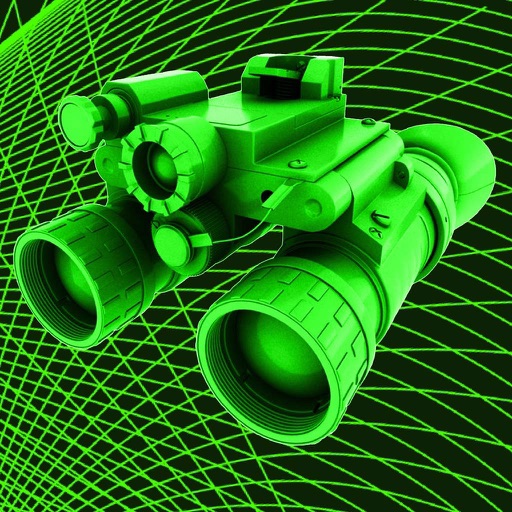
Capture low-light scenes with infrared and thermal
Take photos in low light using three modes. Capture infrared, X-ray, and thermal effects. Zoom in with binoculars and apply temperature effects. Adjust settings for optimal visibility in environments.
Remove red eyes from photos automatically using computer vision. Detect and eliminate red color from eyes in seconds. No manual editing required. Share edited photos directly.
Crop photos using a cropping tool. backgrounds and unwanted objects with an eraser tool. Select areas to erase and create transparent backgrounds. Edit images for white or clean backgrounds. Export edited photos and create stickers.
Add a custom iPhone or iPad stamp to photos. Apply popular filters. Receive weekly theme updates. Share photos with #ShotOniPhone. Join the community on Instagram. Submit photos for potential feature in the gallery using #ShotOnCameraForiPhone.
Use camera as tracing projector to on paper. Trace lines directly with pencil. Access and painting features. Learn to people, anime, and objects. View step-by-step guidance for artistic techniques.
Create GIFs from videos using InstaCrop or FineCrop for precise cropping. Select time ranges and export as MPEG-4 or QuickTime. Save videos to camera roll or local storage. No watermarks or time limits.