Download wallpapers and change desktop background automatically
Change desktop wallpapers automatically from curated sources like Unsplash and Desktoptopia. Set preferences to control frequency and style. View and select wallpapers directly from the menubar icon.
+ offers HD for iPhone and iPad. Users can browse and select images for home screen or lock screen. Customization options include setting preferred . New are added daily. Images are manually curated based on current trends.
Set home or lock screen with high-quality HD and 4K . Browse and save AI-generated images. Share with friends. Receive regular updates with new backgrounds. Adjust wallpaper settings easily.
Set animated and interactive wallpapers on lock screen for compatible devices. Access a large HD catalog of wallpapers. Save wallpapers to Photos and share them with others.
Create custom with and -inspired designs. Choose from pastel, neutral, and vintage themes. Apply HD and 4K quality to personalize iPhone or iPad screens. Adjust colors and layouts for a clean aesthetic look.
The app allows users to create single-colored or gradient-colored wallpapers. Users can export their creations to their Camera Roll for use on lock and home screens.
Set with animated backgrounds. Customize lock and home screen with daily updates. Support 3D-touch for interactive animations. Optimize for latest iPhone models and iOS 13.
Customize and home screen with themes and . Set live and static images. Add widgets for quick access. Choose from various high-quality backgrounds and .
Set device wallpapers with high-resolution images. Browse curated -themed HD backgrounds. Apply wallpapers to home screens and lock screens. Adjust brightness and contrast settings for optimal display.
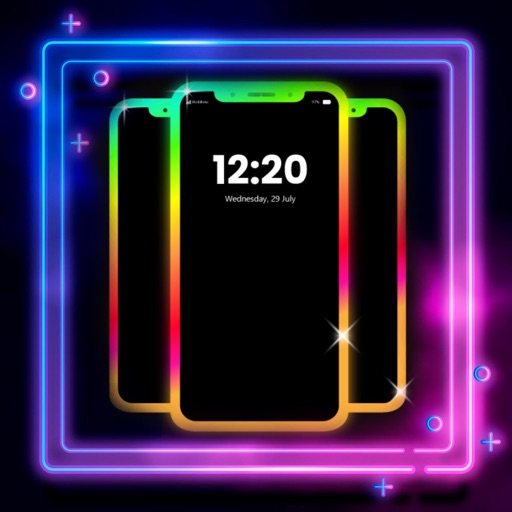
Create glowing borders around your phone's edges for both Home and Lock Screens. Customize colors, patterns, and effects. Sync with wallpapers for enhanced visual appeal.