Create images with added text, , or poems over photos. Customize text color, size, font, and background. Add watermarks, logos, or QR codes. Share directly to Instagram.
Edit photos with local area image processing to correct dark or overexposed regions. exposure, contrast, and color balance. Apply saturation and clarity controls. Save edits in original or adjusted formats.
The app allows users to adjust photo color tones including brightness, contrast, hue, saturation, temperature, and tint. Changes can be previewed in real time, and the app supports transparency.
Remove backgrounds from images by drawing a closed curve. Automatically erase similar color areas for transparent results. Adjust brush size for precise edits. Pan, zoom, and rotate images.
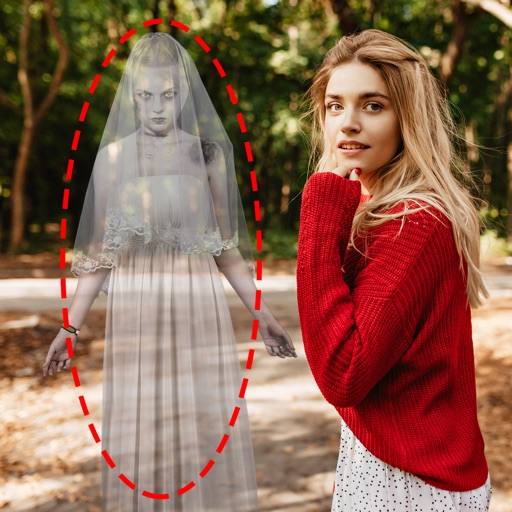
Edit photos by adding ghosts, monsters, or zombies from 62 options. Adjust transparency, color, saturation, brightness, and contrast for each creature. Position and resize creatures freely. Share finished photos with friends.
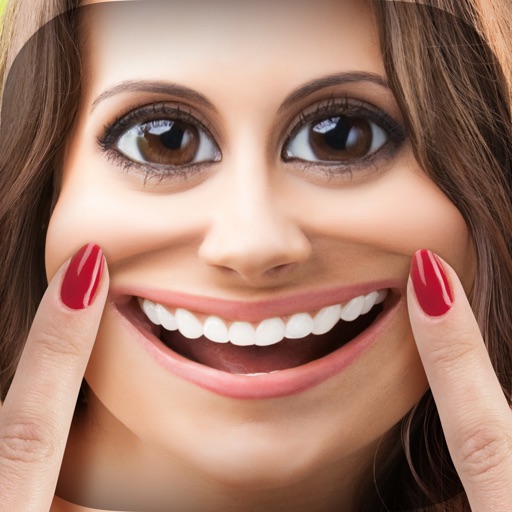
Edit photos with , bend, and distortion tools. Apply one-click makeovers for facial and body changes. Adjust body shape, slim down, or enlarge features. Save and share modified images.
Edit photos with , cropping, and adjustment tools. Add text, stickers, and effects. Export in multiple formats and share directly. Supports videos, Live Photos, and works across iOS and Mac devices.
Edit photos and videos with brightness, contrast, hue, saturation, and color filters. Add texture using blur, noise, dust, and dark corners. Apply vintage film-inspired filters for a retro look. Export and share edited content.
Multiple images simultaneously with customizable pixel dimensions. Choose from four modes including fixed width, fixed height, maximum pixel, aspect fill, or aspect fit. Export resized images in selected formats.
Edit photos with simulation effects, including black-and-white and color tones. Apply realistic grain and color profiles. Save and share edited images directly. Access new types periodically for and discontinued experiences.
Edit videos with slow motion, compression, and reaction camera features. Create intros and slideshows. Add music and apply one-click effects. Record screen and enhance videos with animations and filters.
Convert photos to pencil sketches with adjustable effects including ink, outline, stony, charcoal, and cartoon styles. Support black and white and color pencil painting. Apply stylization, high contrast, and other advanced editing tools.
AI automatically detects and removes , people, and backgrounds from photos. Users can edit photos with skin whitening, acne removal, body reshaping, object erasing, background changes, cropping, text addition, and filters.
Edit videos by colorizing specific parts and adjusting brightness, saturation, and hue. Change of selected areas, adjust contrast and white balance, and apply vignette effects. Convert videos to black and white with retention in chosen details.
Turn photos into drawings, cartoons, or sketches with one click. Apply various effects including black strokes, white strokes, pastel, and halftone. Adjust edge strength, opacity, contrast, brightness, and saturation.
The app offers over 200 overlays and 140 filters to enhance photos. Users can add typography and artworks from a selection of over 700 artworks and 150 fonts.
Teach healthcare workers to monitor levels through interactive training. Simulate steps for assessment, preparation, performance, and evaluation. Provide feedback on procedures and outcomes. Track progress and repeat exercises for practice.