Pic allows users to divide their camera view into sections using various free layouts. They can take photos or import images from the Camera Roll and arrange them in different orders.
Crop, rotate, flip, and resize photos without quality loss. Scale images for social media formats. Edit photos with blurs, patterns, and text fonts. Apply 180 art masks. Share edited content directly.
Create animated videos from photos or artwork using motion effects and transitions. Apply filters, adjust timing, and combine multiple images. Share finished animations to social media or via link.
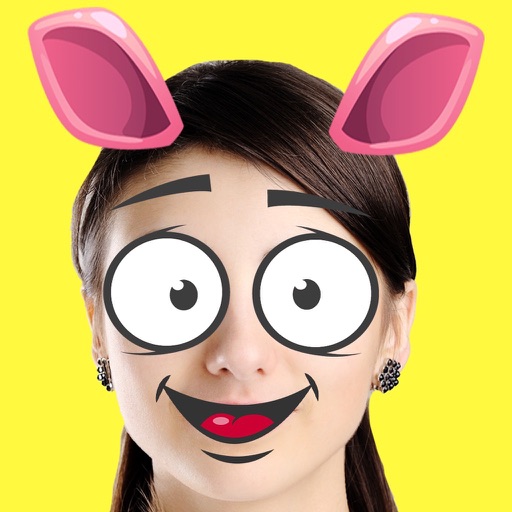
Create custom emojis by adding eyes, lips, hairstyles, hats, glasses, beards, mustaches, and props. Add text with various colors and fonts. Rotate, move, and zoom and text. Share emojis and memes directly within chats or social media.
Create directly in iMessage using templates from .com or Giphy. Search for trending or custom ones. Add text, images, and stickers from the camera roll. Share instantly within conversations without switching apps.
Edit photos by blurring backgrounds, faces, or specific subjects. Apply various effects and filters. Save edited images to the camera roll or share them directly.
Resize videos to custom aspect ratios. Crop, rotate, and adjust dimensions. Add background blur, gradients, or solid colors. Include animated text and emojis. Export videos for Instagram, Twitter, Facebook, Pinterest, and YouTube.
Add , reindeer, sleighs, and Christmas trees to photos. Apply high-quality filter masks. Share edited images on social media or via email. Edit and customize holiday photos with multiple overlays.
Edit photos and videos with move, rotate, scale, flip, and custom adjustments. Apply unique filters, effects, borders, and frames. Add text and stickers. Share full-size content directly to and other social platforms without cropping.
Edit photos by applying filters and adding eye effects. Choose from multiple eye styles and import images from the camera roll. Share edited photos on social media platforms like WhatsApp, Facebook, and Twitter.
Create images by describing scenes, characters, or moods in real-time chat. Generate drawings and photos using AI. Chat with AI friends for instant image generation. Adjust and refine outputs directly within the .
Apply over 75 photo effects and textures to enhance images. Stack multiple effects using the "Add another FX" function. Adjust effects by moving, rotating, and scaling. Share edited photos to social networks like Instagram or save to the camera roll.
Create slide shows by combining photos into videos. Choose from 150+ transitions and 50+ tracks. Adjust photo size or without cropping. Support multiple aspect ratios. Add 20+ animations and edit photos and freely. Share or save the final video.
Edit photos and videos with filters, cropping, and text. Create carousels by combining multiple images. Split images into 3, 6, or 9 grid layouts. Cut videos into 15, 30, or 60-second clips for Stories.