Edit photos by applying recommended background colors and color combinations. Adjust color schemes with two fingers. Blur backgrounds and select from multiple color options. Access photos from the album and make edits directly.
by NOTEGG Corp.★ 4.969 ratingsPhoto & VideoFreeData updated 2026-09-18
Create animated GIFs by adding text over pre-designed templates. Customize font style, color, and text placement. Share finished GIFs directly from the .
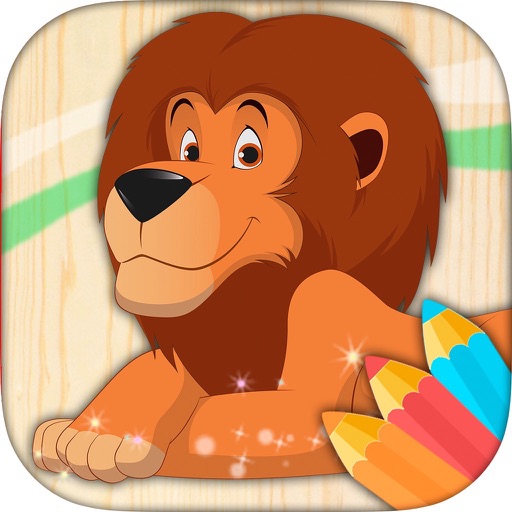
The app offers an educational game with many possibilities for children to paint selected animals. Users can use their fingers as pencils or crayons to discover color combinations and increase creativity.
Remove backgrounds with one-tap AI detection. Adjust edges and transparency manually. Replace backgrounds with solid colors or images. Export edited photos in high resolution.
Convert photos into paintings with customizable brush styles and color palettes. Adjust detail, intensity, and artistic style settings. Save or share artwork directly to social media.
The app allows users to enlarge photos using a virtual magnifying glass. Users can tap and move their finger over an image to examine details such as sharpness or hidden elements.
Edit photos with AI-powered enhancements, smart suggestions, and one-tap presets. Adjust exposure, contrast, and color. Share directly from the . Open to for instant editing.
The app allows users to create collages using photos, videos, and Live Photos. It offers 345 built-in layouts or custom layouts with adjustable tiles and customizable metadata.
Edit photos with LUT color filters, film grain, and textures. Add light leaks, paper burn, and bokeh effects. Import photos or shoot with the built-in camera. Apply vintage light effects and adjust for cinematic looks.
Edit photos using AI-powered tools for -style art. Apply body enhancements, gender swaps, and themed filters. Adjust facial features and background elements. Export and share edited images.
Edit photos with color effects, convert images to grayscale or apply custom colors. Adjust hue, saturation, contrast, and sepia tones. Save and share edited images directly.
The app offers a funny and simple paint program with various stroke options and color changes. It allows users to utilize the whole screen, including personal photos, and save their creations.