Apps Like Background Eraser & Changer for iPhone and iPad
Remove with freehand cut tool
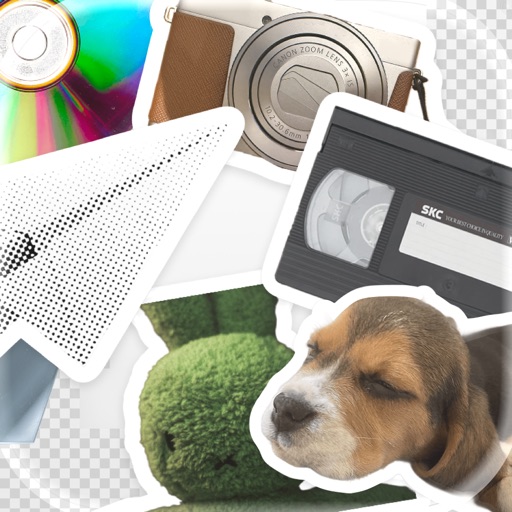
Remove from photos using a freehand cut tool. Select images and create multiple cutouts. Edit cutout details for precise results. Use cutouts as stickers or stamps on other photos. Move, zoom, and rotate cutouts for flexible editing.
by Kevin Ghori★ 1.01 ratingsPhoto & VideoFreeData updated 2026-09-18
Create photo collages by arranging images in a grid layout. Choose the number of photos per page and add borders. Export the collage as a PDF for printing or email. Ideal for classroom use or quick multi-image printing.
Edit photos by selecting images from the library and using an adjustable brush tool to mark areas for removal. The employs inpainting algorithms to seamlessly eliminate unwanted elements and blend the background.
Create custom and home using photos, gradients, and stickers. Edit photos with subject separation, adjust gradients with presets, and add text or stickers. Export and set as wallpaper directly.
Try on different hairstyles and colors on facial photos. Select from over 50 styles and adjust to fit face shape. Add stickers and decorative stamps to enhance photos. Preview changes and save edited images.
Edit photos by selecting from a gallery or capturing new images. Apply unique and not found elsewhere. Adjust background colors and photo size. Combine multiple with a single tap. Export and share edited photos.
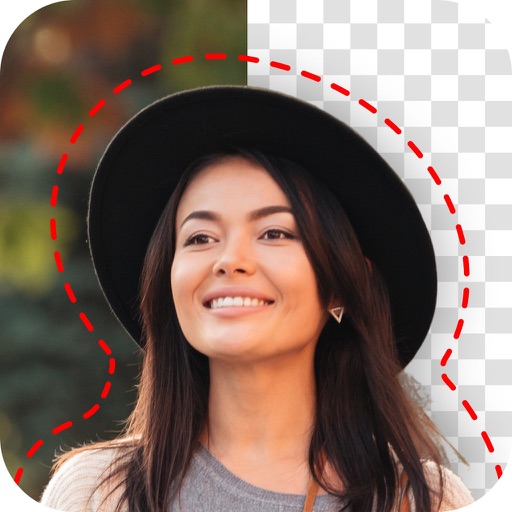
Remove unwanted backgrounds or objects from photos. Edit images to make backgrounds transparent. Add custom backgrounds for improved visuals. Erase specific areas for enhanced photo quality. Save and share edited images directly.
Select and delete duplicate or unwanted photos. Choose which images to retain. Clear storage space by removing unnecessary files. Optimize gallery organization.
Edit photos with effect and features. backgrounds and apply black-and-white conversion. Select areas for contrast. Zoom with two-finger pinching. Adjust brush size, opacity, and offset. Export edited images.
The app allows users to create movies using photos and videos from their camera roll or by shooting directly within the app. Users can add music, subtitles, stamps, and editing filters to create stylish videos.
Backgrounds with a single touch. Replace backgrounds with any image. Apply blur to create a depth effect. Adjust clarity for better visibility. Export edited images directly.