View 3D models of in real-world scale. Place models in your environment using AR. Rotate and zoom to examine details. Learn facts about each species. Share interactive dinosaur scenes with others.
Turn iOS device into a document camera for video calls. Share desk items during virtual lessons. Use AirPlay for screen sharing. Toggle flashlight and rotate screen quickly.
Explore the using . Zoom in and out to adjust scale. View planet sizes, distances, and rotation speeds. Tap planets to see distance in meters and view detailed models. Stop rotations to walk around the .
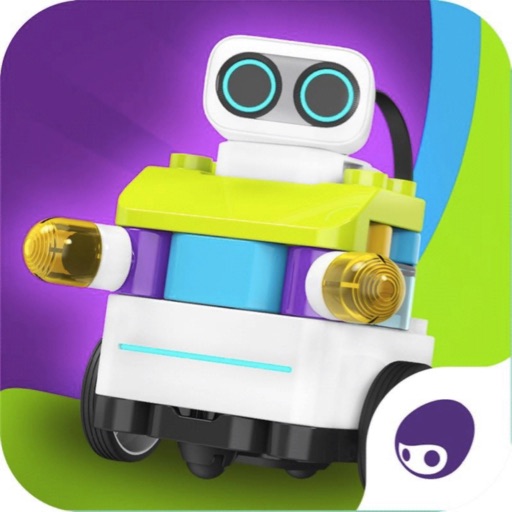
Learn to assemble and install program blocks through interactive lessons. Control robot movement with directional commands. Track assembly progress and edit programs using Blockly to direct robot actions.
Explore underwater ecosystems through VR experiences with 360-degree views. View detailed VR scenes of marine life including plankton, whales, sharks, and turtles. Access a 96-page illustrated guide with facts about ocean creatures.
Learn coding concepts like sequencing and events through interactive challenges. Create custom programs using a visual drag-and-drop interface. Control and Dot with programmed commands. Share projects and track progress.
Users can explore interactive lessons and training sessions in AR or VR. Engage in group or individual learning activities. Create content using mobile devices or headsets. Access a library of pre-built educational resources.
Explore the through augmented and virtual reality with interactive projects. Learn about the Sun, Solar System, and space stations. Build a planetarium, launch a rocket, and create a sundial.