Browse the web with tabbed browsing, Google search, and address bar auto-completion. Save web pages with images for viewing and access full screen mode. quickly with force options and manage bookmarks.
Convert images and documents to PDF with one tap. Edit and annotate PDFs. Batch convert multiple files. Maintain original quality during conversion. Share converted files directly.
Convert documents like , Excel, and PowerPoint to PDF with a few taps. Edit PDFs by adding text, comments, and annotations. Merge multiple files into one PDF. Export converted files to various formats and share directly.
The app centralizes user files, including documents, video, and music. It offers file management, zip/unzip capabilities, and import/sharing options from various sources and to multiple destinations.
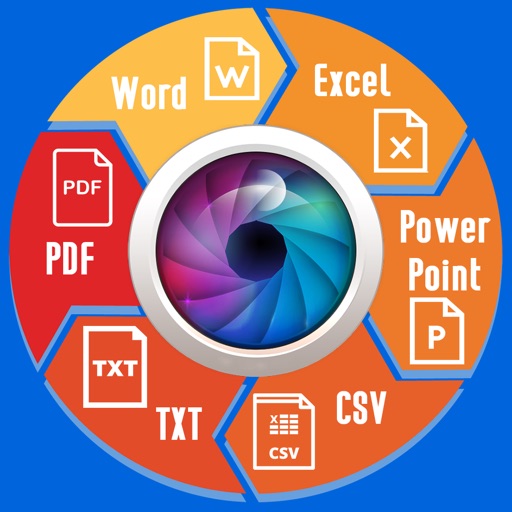
Extract text from scanned images and convert to Word, Excel, or PDF. Edit extracted content in Word or Excel. Convert tables and format from images to Excel or Word. Save as text files or PDFs. No registration required for conversions.
The app allows users to wirelessly browse files from the PQI Air Pen via WiFi. Users can view documents, images, audio, and video files, and download them to their local device.
Open and read documents (.wpd, .wpt, .wp, .wp4, .wp5, .wp6) on iOS devices. View document outlines, page thumbnails, and search text within files. Supports versions 1 through 11.
Browse the web with a fast, tabbed browser that supports all device orientations. Download files by holding links. Save full web pages for offline use. Translate text and web pages with an integrated translator.
Transfer files via QR code, download and upload files in the background with notifications. View and manage downloaded files including image, audio, video playback, ZIP handling, PDF, and office file viewing.
Access files from USB flash drives connected to Apple devices. View and play music, videos, and photos. Transfer photos to devices. Support USB 3.0 and card readers. Sync content between devices.