Create using AI-generated melodies and rhythms. Adjust tempo, key, and instrument selection. Export tracks in multiple formats and share directly. Collaborate in real-time with other users.
Play melodies with interactive lessons and free play mode. Learn basic rhythms and notes through step-by-step guidance. Adjust volume and sound settings. Save and replay created melodies. Share performances directly.
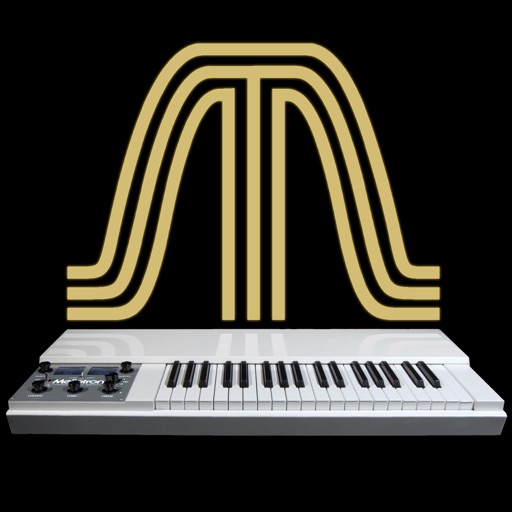
The app provides 18 sounds from the original Mellotron and Chamberlin libraries. It emulates characteristics of different models and includes a reverb effect.
Learn music by slowing down, looping, or repeating video lessons. Adjust tempo in 5% increments. Control playback with MIDI or Bluetooth. Compatible with YouTube, Vimeo, Truefire, and other video platforms.
Play notes with finger pressure sensitivity. Adjust pitch with microtonal tuning and transpose settings. Apply reverb and chorus effects. Practice scales and chords. Save and share performances. Sync with music theory tools for guidance.
The app offers a colorful keyboard with 12 instruments for children to create music. Each note is colored and placed on a staff, teaching musical sounds and cause and effect through animations.
The app allows users to draw musical notation directly onto a score using touch gestures. It offers playback with 30 instrument voices and supports various musical symbols and expressions.
The app provides a 7-day plan to learn ukulele by playing along with songs. It features a virtual fretboard with scrolling chord names and a playalong mode that syncs visuals and audio for practice at various tempos.