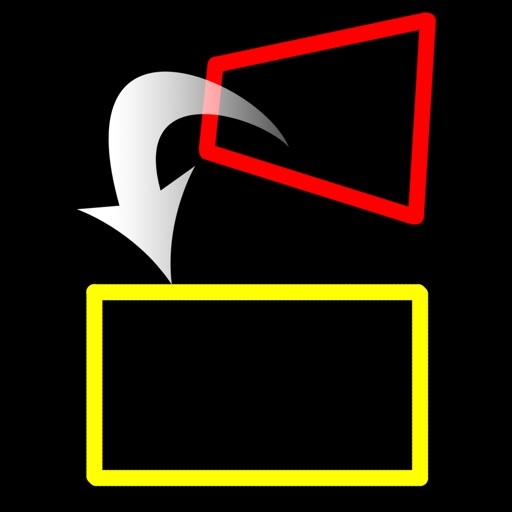
Resize images to different sizes without cropping or adding borders. Adjust aspect ratios by compressing or stretching, which may distort the image. Best suited for landscape photos, backgrounds, real estate images, or drawings.
Convert rectangular photos to (1:1) or portrait (4:5) formats. Select media, choose layout options, and share directly. Add white frames and adjust background colors for clean, framed visuals.
Switch between main and front instantly for dual perspective shots. Capture high-definition images with the main camera and creative angles with the secondary lens. Record detailed scenes for portraits, landscapes, and close-ups.
Edit photos with blending tools to create double exposure effects. Add frames, quotes, and background elements. Apply single-layer filters. Export edited images without ads. two images with one touch.
Create and customize 3D using pose libraries. Apply shading presets like toon shader. Adjust shapes, animations, expressions, camera, and lighting controls. Edit and refine 3D models for various creative projects.
Create slideshows by selecting images from the photo library. Add music from Apple Music or the 's library. Apply filters and special effects to photos. Include text, emojis, and adjust length.
Convert low-quality photos to high-resolution images with clarity and detail. Upscale photos to maintain sharpness. Boost resolution for clearer images. Apply denoising to reduce grain and enhance visual quality.
Take high-quality photos and videos using triple or dual camera support. Apply over 30 filters to enhance images. Switch between lenses automatically or manually. Adjust zoom up to 15x and switch resolutions. Lock focus and exposure for stable shots.
Automatically detects and hides private text in images. Users can edit photos to remove sensitive information like phone numbers and addresses. Adjust redaction areas and export edited images for sharing.
The app corrects perspective issues in images with anchor points. It offers automatic correction for complex problems and tools for horizon recovery and optimized cropping.
Capture low-resolution photos and videos in multiple formats including 144p, 288p, and 360p. Record with or without audio to reduce file size. Use flash and GPS location tagging (available as an upgrade). Preview image quality in real time.
Apply filters to create a VHS-style effect with tracking lines and a customizable date stamp. Edit videos and photos to simulate vintage quality. Adjust color, brightness, and contrast for enhanced visuals.