Audio plugin for creating a delay effect by introducing a small difference between left and right channels. Adjust delay , feedback, and mix levels. Apply to audio tracks for spatial sound effects. Compatible with digital audio workstations.
by Blue Mangoo Consulting Company Limited★ 4.538 ratingsMusicFreeData updated 2026-09-17
Allows users to create custom delay signals using three effect racks. Effects can be inserted before, during, or after the delay loop. Users adjust signal flow by selecting and arranging effect modules across the racks.
Use a microphone to create live or recorded loops with trigger modes via keyboard. Process sound with bit and sample crusher, delay, and flanger. Play using a 25-key dynamic keyboard or core MIDI.
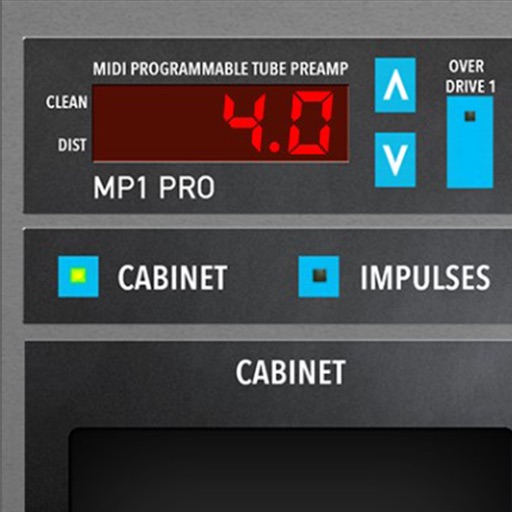
Adjust audio signals with tri-state voicing options for distortion tube, clean tube, or solid state. Apply digital delay with lo-fi filter and time offset controls. Customize power amplifier settings including presence, resonance, and power switch.
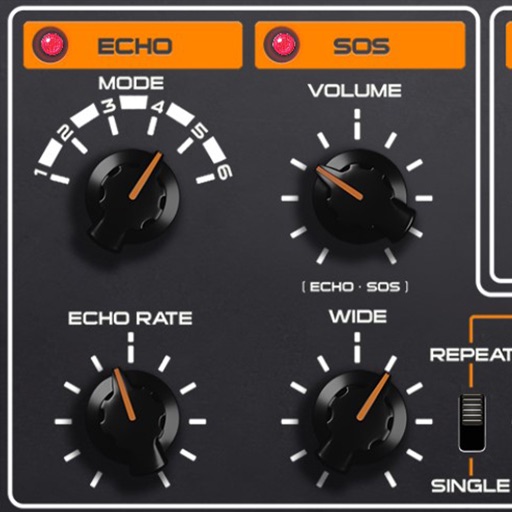
Add analog effects like spring reverb, tape delay, and BBD to audio tracks. Adjust parameters for tone and timing. Integrate with digital audio workstations for real-time processing and sound design.
Adjust audio frequencies with linear shifting and stereo delay feedback. Apply high and low pass filters. Modulate delay with LFO. Control via MIDI CC.
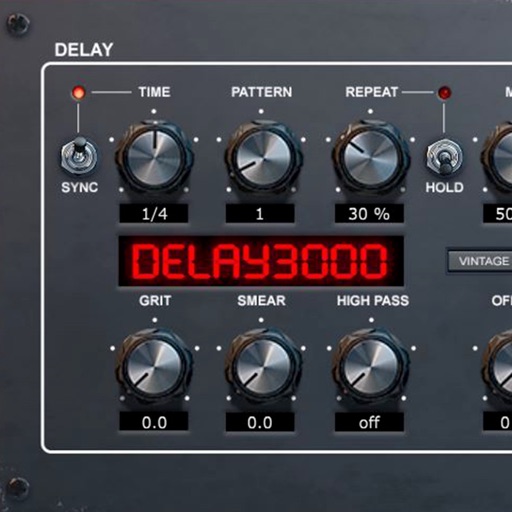
Delay processing plugin with 16 stereo multitap patterns and repetition hold function. Includes modulation circuit, ducking, and filter sections. Syncs to DAW and offers delay effects. Adjusts delay time and feedback parameters.
Audio effect plugin for creating delay effects. Adjust delay time, feedback, and mix parameters. Apply stereo delay lines with variable routing. Use golden ratio-based DSP for unique sound shaping.
Create a soundscape with a moving sound source by splitting audio into 4 frequency bands. Each band has a coloured sphere for adjusting pan, stereo separation, and volume. Control stereo placement with automation or random effects.
Record and edit audio using device . Create up to 10 separate tracks. Add lyrics with auto-scrolling notes. Include pop filter to reduce overtones. Visualize audio levels with red alerts for loud sounds. Adjust volume with a mixer.
Create ambient soundscapes with diffusion controls for subtle smearing, widening, and deep reverberation. Adjust randomized modulation for evolving textures.
Import videos and apply effects with presets like Small Room, Medium Hall, and Underwater. Adjust Wet/Dry mix for effect intensity. Create custom and delay settings. Export videos in original size or lower resolution.
Apply effect to audio input by adjusting time, feedback, and filtering settings. Integrate as AUv3 plugin with host apps like GarageBand and Cubasis. Export processed audio files directly.
Create drum sounds and synthesize vocals using a 24-part sound engine. Use a pattern sequencer to arrange beats. Apply effects including a Phrase Vocoder that converts text to vocal-like sounds. Adjust vocal characteristics such as gender.
Adjust vocal pitch with a dual pitch shifter and LFO-driven dynamic shifts. Add virtual tracks for doubling effects. Freeze vowels instantly for creative textures. Save and recall settings via snapshot selector. Apply delay for natural harmonizing.