Track time with a that displays digital, analog, or hybrid views. Start, stop, and reset timing sessions. Record laps or split times for precise event measurement. Switch between views for different tracking preferences.
by Apple Inc.★ 4.229 ratingsUtilitiesFreeData updated 2026-09-17
And share precise details with exact coordinates. Store locations with associated dates. Retrieve saved locations to navigate back easily. View history and access saved addresses for future reference.
Calculate tips based on total amount and percentage. Split bills among multiple people. Display total with tip included. View transaction history. Remove ads with in- purchase.
Navigate with precision and explore trails efficiently
Navigate with multiple styles, including analog and digital interfaces. Set and track waypoints, view elevation data, and receive turn-by-turn guidance. Sync with GPS devices and share route maps.
Track events by tapping to increment . Set multiple for different goals. Use Siri shortcuts to add or modify . Sync data across devices. View progress and statistics for each counter.
Allows users to start and stop timing by placing fingers on left and right pads. It displays red and green lights to indicate readiness. Users can reset the and view elapsed time during sessions.
Track events throughout your day to monitor bathroom breaks, feeding times, medication schedules, and other custom activities. Set reminders and smart reminders to maintain consistency in training routines.
Track time with individual or grouped . Start, pause, and reset via Apple Watch. Record time for each timer and note separate finish times for grouped . Schedule alerts with repeated intervals. Specify custom countdown durations.
Measure accuracy using image-based analysis. Store details, sync to atomic time, and adjust time settings. Compare measured time against precise atomic time sources.
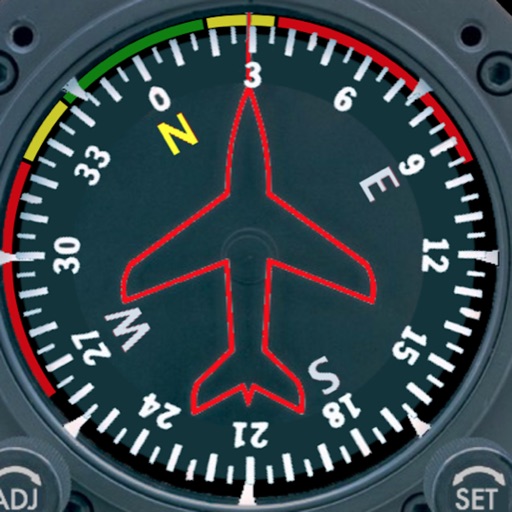
Displays a photorealistic -style indicator with both analog and digital readouts. Users can toggle rotation lock, simulate the instrument indoors, and view improved graphics. Supports latest iOS versions and includes bug fixes.
Watch two videos side by side using . Use picture-in-picture to keep content visible while multitasking. Record live facecam reactions and with audio. Edit clips quickly and set a sleep timer to stop playback automatically.
Track mechanical watches and vintage timepieces with precise measurement. Add watches via tap or photo. Calculate offset and log performance data. View detailed analytics and historical tracking. Export measurements and share results.
Track speed using iPhone's GPS. Display speed in mph or km/h based on region settings. Show max and average speed. Choose between digital and analog display styles. Monitor speed during car, bike, running, or riding activities.
Manage projects with hierarchical structure and collapsible steps. Track time with a timeline view of reminders and events. Switch between views by tapping the title. Create and organize tasks within projects.
Access live and recorded video from analog and IP cameras. View 24/7 footage from anywhere. Receive motion alerts and notifications. Control camera settings and playback recordings. Share videos via email or messaging.
Enables users to automate repetitive tasks by setting custom tap sequences with precise timing and location. Users can create and manage multiple click profiles for different applications.
Track and manage races with start lists, live timing, and real-time splits. Post results online, access overall and category standings. Export results via email or publish instantly. Sync with athletes for lap and standing updates.
View public profiles to analyze engagement metrics. Compare accounts based on views, likes, comments, and dislike ratios. Estimate account value using historical data and community trends. Track fan interest and historical performance.