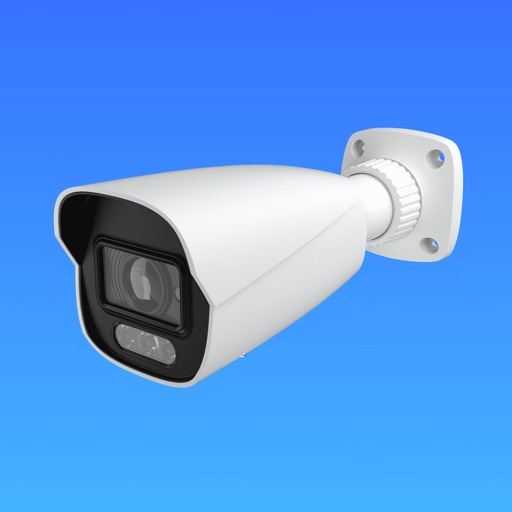
The app allows users to view and control Wirepath Surveillance NVR and IP cameras remotely. Users can watch live video, search and playback recordings, and capture snapshots.
The app allows users to remotely view, control, and record IP cameras, webcams, DVRs, and NVRs using an iOS device. It supports various protocols and offers features like digital zoom and grouping of cameras.
View live streams from ONVIF, RTSP, and MJPEG cameras. Receive AI-powered motion detection alerts and recordings. Access feeds on iPhone and other platforms. Adjust settings for optimal performance across devices.
Monitor live video feeds from HomeKit, ONVIF, and IP cameras. View and record footage remotely. Receive motion alerts and customize settings. Sync with mobile devices using WebRTC. Control angles and adjust lighting settings.
View real-time video feeds from P2P network cameras installed at home or office. Capture images and record videos. Access camera settings and manage connected devices. Receive notifications for motion detection or alerts.
View and control Wirepath Surveillance NVR and IP cameras remotely. Watch live video in single or split screen mode. Swipe to switch cameras. Search recordings by alarm, motion, or time. Capture snapshots to photo library.
View and control multiple IP from Foscam, Tenvis, and similar brands. Access stored camera details within the . Enable 2-way audio for compatible cameras via in- purchase. Sync footage to iCloud. Operate cameras remotely with on-screen controls.
Access and control DVR, NVR, and IP camera systems from iOS devices. View live video streams without third-party servers. Authenticate with username and password. Adjust PTZ camera angles. Capture snapshots in landscape or portrait mode.
View live video feeds from compatible surveillance cameras and control pan, tilt, and zoom functions. Playback recorded footage and search for specific clips. Access security systems remotely via smartphone.
View live video from IP cameras, CCTV cameras, and surveillance DVRs. Watch footage locally or remotely via the internet. Control settings and receive motion detection alerts. Save and share recorded clips.
The app displays live video from TRENDnet cameras on a mobile device. It auto-detects cameras on the local network, shows a thumbnail view of all connected cameras, and provides a large live view of a single camera.
Monitor live video and review past recordings remotely. Record video manually or take snapshots. Set alarms and zoom in on video footage. Stream 720p HD video in real time. Playback recorded videos and view snapshots.
Control IP cameras with tap-to-center or tap-to-move functionality. View multiple camera feeds in a single interface. Adjust camera settings and receive real-time notifications.