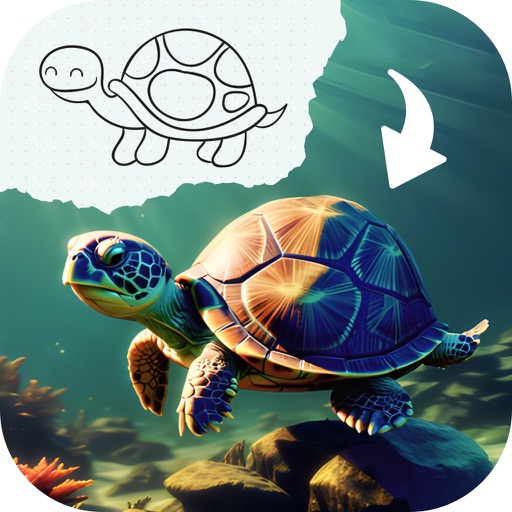
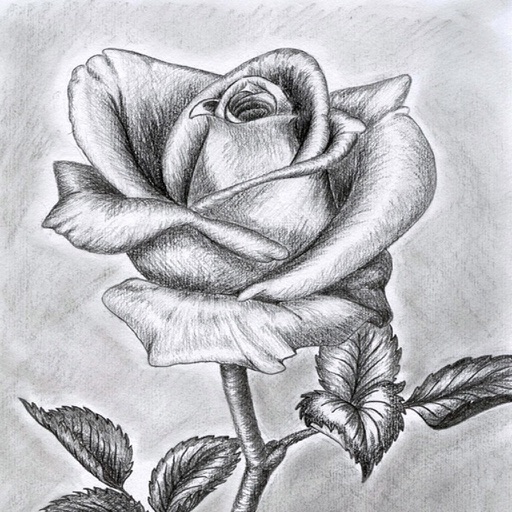
To cute art with step-by-step lessons. Choose from categories like smilies, food, fruits, and trees. View drawings in list or grid format. Follow detailed instructions to create each illustration. Save and share completed drawings.
Create vector illustrations with precise tools for technical and artistic designs. Export to Pages, Keynote, or other formats. Sync work between Mac and iPad. Edit and refine graphics on mobile.
The app simulates watercolor blending and spreading behaviors using fluid simulation technology. It supports techniques like wet-in-wet, wet-in-dry, dry brush, and dry on wet, along with pencil sketching.
The app allows users to transform photos into artistic sketches. It provides options to apply frames and multiple effects to the created sketches before saving and sharing.
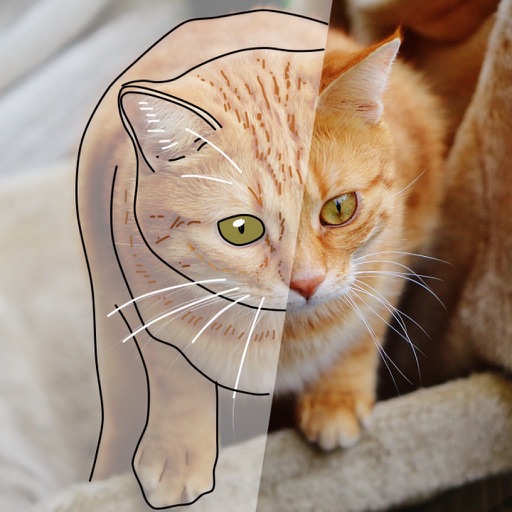
Over image templates with automatic pen tracking for accurate . Select from preloaded categories like animals, flowers, and vehicles. Choose from over 150 colors to customize drawings. Export final artwork in various formats.
The app provides drawing tutorials broken into 11 steps with additional tips for illustrating portraits. Users can learn techniques at their own pace, whether using physical tools or a drawing app.
The app offers digital drawing tools that evoke natural media. It provides a focused drawing experience with essential tools and is optimized for Retina displays.
The app provides drawing tools including airbrush, pen, pencil, line, rectangle, and ellipse. Users can control tool color, size, and transparency, and manage layers with transparency and visibility settings.
Apply filters to photos from the gallery or during capture. Choose from twelve unique styles including cartoon, sketch, and paint effects. Edit images with artistic filters and save or share the modified photos.