Apps Like Spark: Chords, Backing Tracks for iPhone and iPad
Play songs, practice chords, jam along
Play and practice with a wide selection of songs. Access over 10,000 tones via the BIAS tone engine. Automatically display chords for songs in real-time. Adjust tempo or loop sections for practice. Sync with the amp for jamming.
by Positive Grid Inc★ 4.824,881 ratingsMusicFreeData updated 2026-09-17
Create and customize sounds with a wide range of synthesizer presets. Adjust knobs and parameters to design unique tones. Load AudioUnit plugins in DAWs. Connect via MIDI to external keyboards.
The app offers virtual effects for instruments, including stomp box and rack mount effects, plus amp models and emulations. Users can audition and try effects before purchasing by connecting hardware via Bluetooth.
By slowing down without pitch change. Loop sections for focused . Isolate vocals, drums, and instruments using AI. Record own . Control playback with Bluetooth foot pedal. Import songs or use Apple . Adjust speed, pitch, and BPM during .
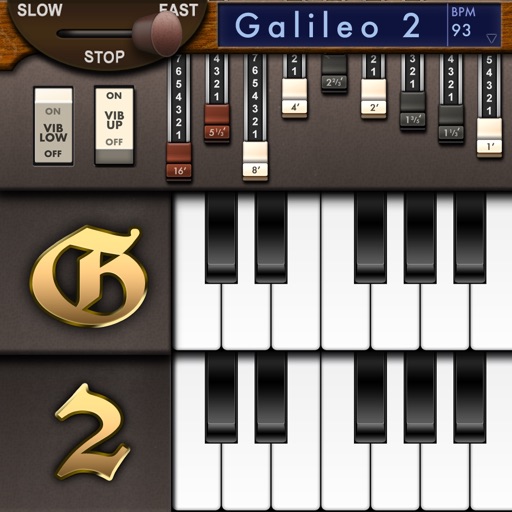
Create and customize sounds with 17 different types. Configure three manuals independently. Use scanner vibrato and chorus effects. Simulate rotary cabinets and tube amplifiers. Access AUv3 plugin for integration.
Search for songs on YouTube and generate real-time chords. Choose between AI Chord, AI Simply Chord, Standard Chord, or Standard Simply Chord. View chord diagrams and practice playing along with the selected song.
Create and play chord progressions in various musical styles. Add chords, select instrument tracks, and hit play. Experiment with arrangements and mixes using piano, guitar, synth, bass, and drum tracks.
Explore chords, scales, and arpeggios with interactive libraries. Select root notes and adjust lowest or highest notes for custom chord shapes. View and practice scale patterns with detailed diagrams.
Learn chords and scales with interactive . Practice songs with adjustable tempo and difficulty. Receive real-time feedback on strumming and finger placement. Track progress with lesson completion and skill assessments.
Adjust musical keys by rotating wheels to match original and target keys. Transpose chords for guitar players using capo positions. Modify song pitch to suit vocal range or instrument tuning.
For verses, choruses, and other sections. Record audio for each section separately. Use the Chord Picker to insert chords. View chords above in display mode. Add guitar tablature and chord diagrams.
Create music using drum kits, samples, and sound effects. Tap sample blocks to build beats and tracks. Add melodies, snares, cymbals, and kicks. Export and share finished compositions.
Practice musical and chord recognition with customizable exercises. Select difficulty levels from beginner to advanced. Track progress and receive recommendations for targeted skill development. Sync with Apple Health to monitor practice sessions.
For verses, choruses, and other sections. Record audio for each part separately. Use the Chord Picker to add chords. View chords above in display mode. Add guitar tablature and access over 1000 chord diagrams.
Convert songs into personalized tracks. Split songs into stems, isolate instruments, remove vocals, and generate guitar tabs. Extract lyrics and with targeted sections. Adjust tempo and playback speed for focused .
Watch videos from independent artists worldwide. Stream original and cover songs. Earn money by broadcasting performances. Upload and share videos. Access ad-free content. Track artist profiles and upcoming releases.