Track steps, heart rate, and sleep patterns. Receive call notifications. View data through intuitive icons. Set daily goals and monitor progress. Use the alarm clock to wake up automatically. Access help settings for troubleshooting.
A with interactive design and adaptive layout. Displays time with precise synchronization. Supports widgets for iOS 14-16. Adjusts to device screen size and refresh rate. Includes a dial market for customization.
Customizable homepage with dynamic 4K backgrounds that change based on the day's mood. Set preferred themes and layouts. Open new tabs to a clean, serene interface. Sync backgrounds across devices.
The app displays one or more resizable digital clocks showing the time in chosen locations. It offers functional designs, including minimalist and faux material options, with numeral-based designs rolling over and 7-segment designs fading.
Converts zones with atomic accuracy for event scheduling. Adds events to calendars with a tap. Displays interactive widgets showing current local times. Tracks differences and alerts for upcoming meetings.
Track time with precision for accurate timing. Measure network delays and video streaming lag by comparing camera and TV display times. Sync with external devices for precise timing measurements.
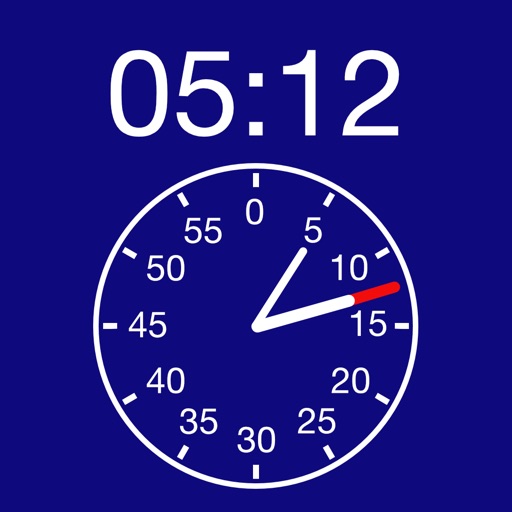
A displays time on a digital screen and a clock face. Users can track total seconds for tasks or tests. The digital display shows precise time after timing ends. The clock face shows total seconds in the center.
Display large, bold numbers that fill the screen for easy readability. Customize colors and themes to personalize the interface. Set alarms and timers with intuitive controls. Switch between analog and digital views.
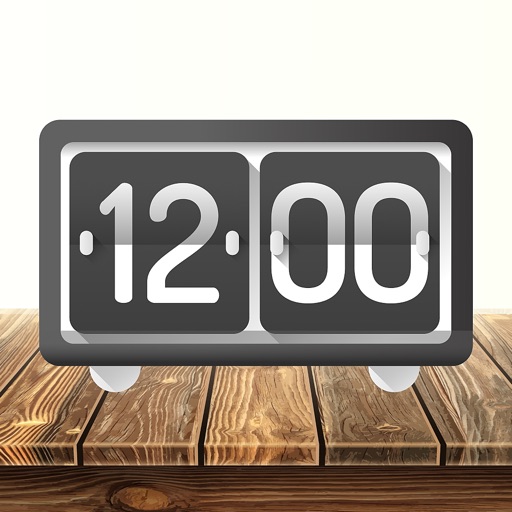
Desktop displays time with a style and retro interface. Set focus mode to minimize distractions. Use countdown timer for tasks like cooking or workouts. Adjust settings for time zones and alarms.