Simulate milling operations in 2.5D with G and M code support. Edit and run G0 to G95 codes. Use radius compensation G41/G42. View sharp vector graphics and zoom. Access multiple languages. Track tool paths and machine movements.
by Viktor Weimer★ 4.167 ratingsEducation$3.99Data updated 2026-11-21
Record by scanning QR codes during optometric continuing education courses. Sync data to ARBO’s OE database. Receive confirmation emails after is processed.
Create flyers, logos, and graphics with customizable templates and icons. Edit designs with professional tools. Upload or use images from a library. Export files for print or online publishing.
Access official Armenian driver’s license exam questions and practice tests. Review detailed explanations for each answer. Track progress and identify weak areas. Study with a clean, simple interface. Use offline mode for uninterrupted learning.
Write and run code with daily credits, import files, open Playground files, and share code or text. Generate code snapshots in PNG, JPEG, HEIC, or PDF formats.
View growth simulations and access statistics for 215 countries. Tap to explore GDP, GDP per capita, life expectancy, and data. Learn about each country's surface area, density, and financial indicators.
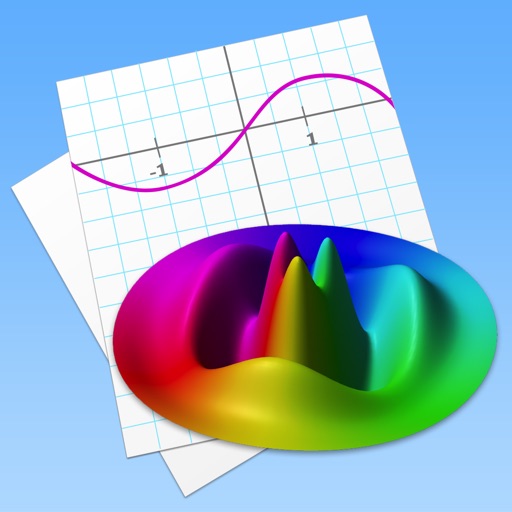
Allows users to plot functions, implicit relations, and parametric curves. It supports 3D graph visualization in AR. Features include inequality plotting, vector fields, and coordinate transformations.
The app calculates CNC milling and turning speeds and feeds. It supports chip thinning and HSM machining, suggesting optimum cutting depth and balancing cutting parameters for various materials.
Provides national flag images and historical information. Users can search for by country name or code. View current and past flag designs with descriptions. Share flag images directly.
Skills with interactive tests covering all test formats. Complete exercises, review answers, and track progress. Access audio clips and transcripts for each question. Set personalized sessions and receive instant feedback.
The app connects to various servers and offers Git operations with a visual merge tool and branch history. It provides live editing, a built-in terminal, and syntax highlighting for numerous languages.
Write and edit Python code with syntax highlighting, auto-indentation, and code completion. Compile and run scripts directly on the device. Access a library of tutorials and examples for learning or reference.
Calculate based on set tour lengths and actual worked times. Input normal tour duration once, then enter worked tour for calculation. Supports RDO, PreTour, and wrap-around . Set rates and compute compensation in cash or time.
Learn Code using the Koch Method and Farnsworth spacing. Track progress with graphs and results. Practice sending and receiving code. Set training sessions and review speed. Adjust difficulty based on performance.
Edit and run JavaScript projects with code completion for HTML, JavaScript, and CSS. Access files locally, search across projects with filters, and use code snippets.
Through interactive challenges in Python, JavaScript, C++, HTML, CSS, and SQL. Write and run code instantly to solve puzzles. Track progress and complete real-world tasks to build practical skills.
Code of websites with syntax highlighting and search. Edit and save code directly. Run HTML, CSS, and JavaScript in a browser. Integrate with Safari for quick access. Share code via email or cloud services.
Provides a interpreter for basic language syntax and functions. Users can run code, debug scripts, and access tutorials. It supports educational use for students and instructors learning fundamental concepts.
Study for NEC certification exams with practice tests, code references, and updates on 2023 NEC Code and 2024 changes. Track progress, review key concepts, and prepare for exams including F16, F17, G17, T17, and residential tests.