Edit photos with brightness, saturation, and contrast adjustments. Add text, stickers, and memes. Crop, rotate, and straighten images. Apply effects and frames. Sharpen or blur photos. Import images from the camera roll. Fix red tones.
Edit photos with eye and pupil templates. Adjust eye size and remove red eye. Experiment with contact lens effects. Automatically detect eye position. Change and fix eye lenses. Save and share edited images.
Remove backgrounds from photos using the magic tool. Manually crop or restore parts of an image. Create stickers and edit outlines for YouTube thumbnails. Export high-quality PNGs without watermarks.
Create monsters by photographing hand-drawn sketches. Convert 2D images into 3D animated characters. Customize features like eyes, mouth, and color. Export creations to view in a movie universe preview. Share generated animations directly.
Create and ID photos for 130+ countries. Select country-specific templates. Adjust size, background, and lighting. Crop and resize images. Save and print directly or share digitally. Meet official document requirements.
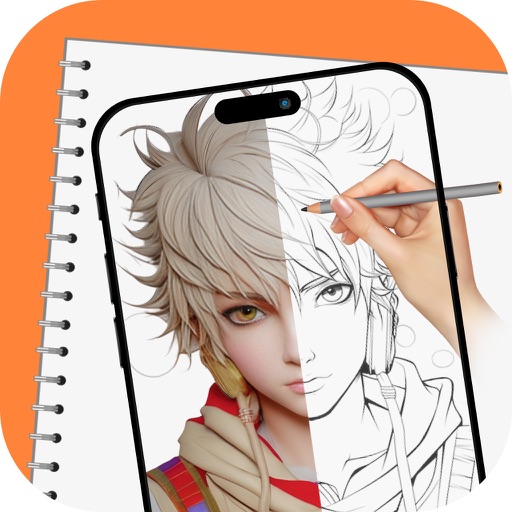
Trace images to create sketches or drawings. Adjust line thickness and brush styles. Use an eraser tool. Apply filters to images. Select from gallery or take new photos. Draw on paper with phone held 1 foot above.
With filters, cropping, and adjustment tools. Apply beauty enhancements and double exposure effects. Use color splash and resize images. Access frames and story templates. Change resolution and export in multiple formats.
View live video streams from home security cameras. Rotate cameras to desired angles with a tap. Set up to three panoramic navigation views for specific directions. Watch, listen, and communicate remotely via mobile devices.
Convert photos and videos into paintings or hand-drawn animations using AI. Apply sketching or painting styles with adjustable textures. Save the artwork process as a video. Choose from five standard art tools.
Edit photos by applying and effects. Select images from the gallery or camera. Adjust frame position, size, and angle. Choose from multiple stylish frame options and effects.