
ArcamRemote
HARMAN INTERNATIONAL INDUSTRIES LIMITED
Control Arcam AVRs from iPad
The app provides control for Arcam AVR380, AVR450, AVR750, and AV950 models. Users can manage input selection, volume, audio modes, and video adjustments.
Audio and video devices remotely
Multiple audio and video devices including TVs, Blu-Ray players, and streaming devices. Adjust volume across all connected devices. Access a comprehensive code library for various brands. Follow an online setup guide for easy configuration.
Showing 341–360 of 1,000 ranked alternatives.
HARMAN INTERNATIONAL INDUSTRIES LIMITED
Control Arcam AVRs from iPad
The app provides control for Arcam AVR380, AVR450, AVR750, and AV950 models. Users can manage input selection, volume, audio modes, and video adjustments.


Qudelix, Inc.
Control DAC settings and monitor battery
Control the -5K DAC AMP via Bluetooth Low Energy. Adjust equalizer settings and monitor battery levels. Update firmware and manage volume. View Bluetooth codec details and streaming information. Supports ES9219 DAC option.

Prethep Paran
Control your TV with -like commands
Control your TV remotely from anywhere in the home. Adjust volume, switch channels, and navigate menus with on-screen buttons. Access smart TV apps and customize shortcut keys. Power on/off and change input sources instantly.

Thuy An
Devices with your phone
TV functions such as channels, volume, menus, and settings from an iPhone. Manage controls for multiple devices. Adjust brightness, contrast, and audio settings directly through the .

AppAgency
Control your TV with your phone
Control Samsung, LG, Sony, Roku, Philips, or TCL TVs from your iPhone without additional hardware. Navigate menus, adjust volume, and switch channels. Pair with multiple TVs and manage settings remotely.


Alex Turchenko
Control devices with one tap
Control smart TVs and streaming devices with functions. Adjust volume, change channels, and manage power settings. Pair easily with major brands. No extra hardware needed. Some features require a subscription.

Matan Yamin
Control your TV with a universal
Control your TV with a universal compatible with Yes, HOT, and brands. Connect via simple setup steps. Adjust volume, channel, and input settings. Navigate menus and access features directly from the .

Thani Sheh Yihie
Control TV menus and playback remotely
Transform your smartphone into a for your TV. Navigate menus, play, pause, and adjust volume. Search for content using keyboard or voice. Scroll intuitively with a touchpad.


adnan elabdullah
Control IoT devices remotely
Manage and control IoT devices remotely, including lights, curtains, and TVs. Connect via voice with Google Home Assistant and Alexa. Receive notifications, set automatic scenes, and organize devices. Setup a personal server for device control.



Scott Driggers
Control your TV with shortcuts and Siri
Control TV playback with shortcuts, widgets, or Siri. Discover devices on your network automatically. Use private listening on Mac and iOS. Sync with Apple devices via keyboard shortcuts and volume controls.

Zhongshan Yingweituo Electrical Appliances Co., Ltd.
Control devices remotely
Control appliances remotely from any location. Manage multiple devices simultaneously within the . Set timers for various functions. Share devices with family members with a single tap. Connect devices quickly and easily.

Esteban Alejandro Grunwaldt
Mirror to TV or Apple TV
Mirror device screens to TVs or Apple TV for real-time display. Stream videos, photos, and music wirelessly. content without complex setup. Share content directly from iPhone or iPad.

Antonis Vrettos
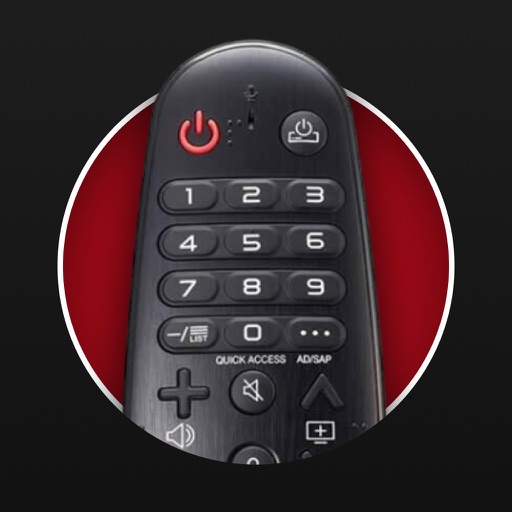
Control your TV with your mobile device
Control TV functions with button layout customization. Adjust volume, power, and input settings. Navigate menus and launch apps. Pair with multiple TVs and manage device connections.
Tripti Kumari
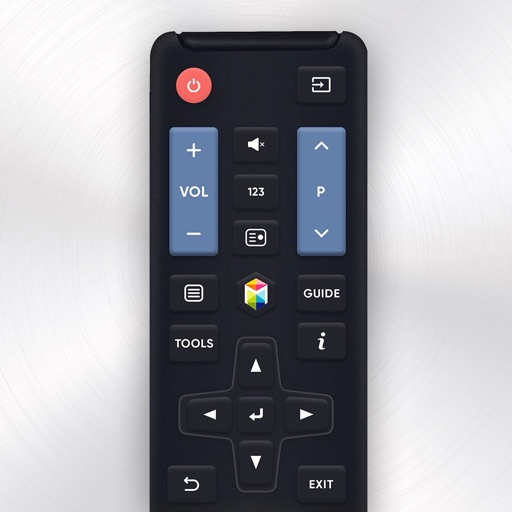
Control Samsung TV with your device
Control Samsung TV via iPhone or iPad on the same Wi-Fi network. Navigate menus, adjust volume, and use a touchpad for precise movement. Access voice commands and customize button layouts for different TV models.
Apps are ranked by functional similarity, category fit, rating confidence, and popularity.