The app displays power and cadence values from a Stages Cycling Power Meter. It allows users to perform zero calibration, update firmware, and set up left/right capabilities for compatible power meters.
Allows users to input measurements and add descriptions for items. Assign items to specific rooms and track job progress. Streamline workflows with organized lists and accurate data entry.
Create and manage bids with building type selection and cleaning frequency input. Generate professional proposals and suggested prices. Schedule inspections and maintain checklists. Track time and expenses. nd send invoices.
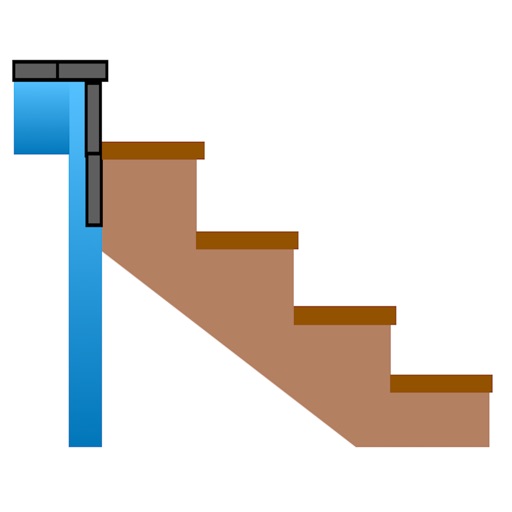
Calculate risers, run, angle, length, step height, tread depth, and number of steps. Adjust parameters for customization. Switch between Imperial and Metric units. Email or text results as needed.
Measure using camera overlay and CoreMotion for accurate degree and rise/run calculations. Organize measurements by job or client. Capture and annotate photos. Generate client-ready PDF reports.
Access and edit measurements, imagery, and property data from quotes. Add and view photos, labels, and notes on the map. Share updates for clear communication between desktop and mobile users.
Scan spaces, measure accurately, close sales faster
Create digital by scanning spaces. Invite homeowners to scan their own areas. Measure rooms accurately without manual tools. Share instantly for estimates and design reviews.
Uses device sensors to locate hidden metallic objects. Bubble level offers three viewing modes for precise leveling. AR ruler measures distances by pointing the camera at objects.
Save conversion settings for easy access. View all stored at once. Convert temperatures, currencies, lengths, areas, volumes, weights, speeds, and power units. Supports foot-inch and pound-ounce measurements. Requires internet for currency data.
The app displays exact measurements from its sensors and overlays leveling information on the camera. It allows users to calibrate the vertical and horizontal vials.
Use AR technology to measure lengths, heights, and angles by pointing the camera at objects. Capture and save measurements with the photo . Check alignment using the built-in level tool.