Diamond Photo Editor app icon

Apps Like Diamond Photo Editor for iPhone and iPad

Apply filters and effects to photos

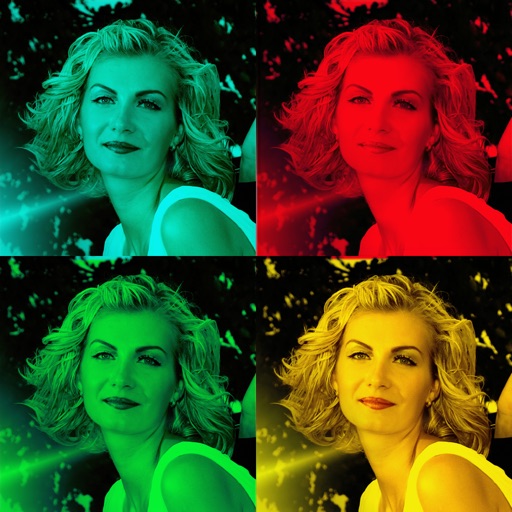
Edit photos with filters, effects, and smart intensity control. Apply Apple-style filters and adjust intensity dynamically. Access a growing collection of styles including comic, poster, bloom, crystal, mono, and noir.

by Maulik Sutariya★ 5.02 ratingsPhoto & VideoFreeData updated 2026-09-06

Diamond Photo Editor screenshots

Ranked alternatives

Showing 921–940 of 1,000 ranked alternatives.

  1. Selfie Drawing Camera app icon

    Selfie Drawing Camera

    Quantis, Inc.

    Draw self-portraits in seconds

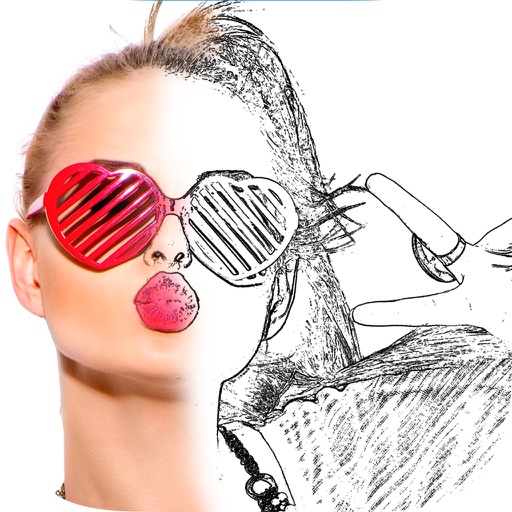
    Create self-portraits with sketch and artistic effects. Apply filters like sketch, painting, and pixelate. Save photos to the library or share on social media platforms. Print images directly.

    ★ 1.01 ratingsPhoto & VideoFreeData updated 2026-09-10
  1. Magic Mirror Photo Editor app icon

    Magic Mirror Photo Editor

    Nalin Savaliya

    Create effects and apply frames

    Create effects with left-right, up-down, reflection, and repeating options. Apply effects and designer frames to enhanced images. Edit and share -style photos with additional customization features.

    ★ 0.00 ratingsPhoto & VideoFreeData updated 2026-09-15
  2. Photo & Camera Editor app icon

    Photo & Camera Editor

    AMARDEEP DHILLON

    Take selfies with live filters

    Take selfies and photos using front and back cameras. Apply live filters and magic filters. Crop, rotate, and flip images. Add text with various fonts and colors. Apply stickers and share edited photos.


    ★ 1.01 ratingsPhoto & VideoFreeData updated 2026-09-10
  3. mingleZ app icon

    mingleZ

    Haeden Bridge Co., Ltd.

    ★ 0.00 ratingsPhoto & VideoFreeData updated 2026-09-06
  4. 钻仓珠宝 app icon

    钻仓珠宝

    Shenzhen particle network technology Co., LTD

    ★ 0.00 ratingsUtilitiesFreeData updated 2026-09-06

How we rank alternatives

Apps are ranked by functional similarity, category fit, rating confidence, and popularity.