Apps Like Diamond Photo Editor for iPhone and iPad
Apply filters and effects to photos
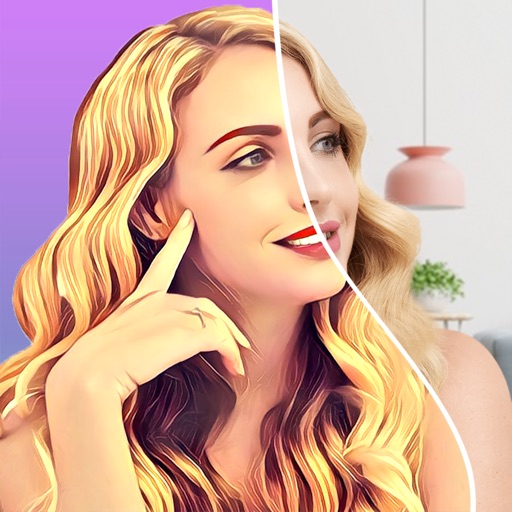
Edit photos with filters, effects, and smart intensity control. Apply Apple-style filters and adjust intensity dynamically. Access a growing collection of styles including comic, poster, bloom, crystal, mono, and noir.
by Maulik Sutariya★ 5.02 ratingsPhoto & VideoFreeData updated 2026-09-06
Apply art to photos for creative visuals. Add spiral effects and blur backgrounds. Use emoji art, background art, and outline art to enhance images. Apply AI, cartoon, neon, and mask effects. Create retro, atlantis, and big camera styles.
Create AI-powered videos from text prompts. Apply trendy effects and filters. Experiment with liquid metal and artistic styles. vatars that speak. Export and share videos directly.
Convert Photos to videos, GIFs, or single images. Transform videos Photos. Edit media with built-in tools. Share converted content directly. Create Wallpapers from photos and videos.
Transform photos into paintings using 120 unique painter styles. Apply oil , cartoon, pencil sketch, and pop art filters. Edit and share the final artwork directly.
Apply blur effects like Gaussian, motion, and tilt-shift. Adjust blur intensity for desired results. Edit photos with tools to enhance clarity and composition. Save and share edited images directly.
Create videos by selecting photos from the gallery and adding music. Choose from 50+ transition effects. Adjust frame speed and layout ratio options including portrait, square, and landscape. Preview and edit in real time.
Edit photos using 15 unique presets for consistent styling. Apply free filters and adjust settings manually. Access over 400 templates from collections like Pastel and Polaroid. Share edited photos directly.
Edit photos and selfies with AI-powered art filters and effects. Choose from over 40 art styles to create fine art paintings. Share edited artworks on social media with the # hashtag.
Take photos with warp and fish eye effects to create humorous images. Apply to enhance expressions. Share directly to Instagram and other social media platforms. View and edit photos in real-time with preview options.
Manage multimedia files across Google Drive, Dropbox, Box, and OneDrive. View and edit videos with full playback, playlist management, and trimming. Apply color filters, resize, and crop videos. Convert videos to audio formats like MP3 and M4A.
Create videos by combining clips and adding text or frames. Choose from various fonts and adjust video length and text position. Crop videos to square for Instagram or Vine. Add music and adjust volume.
Create Instagram stories with customizable templates, filters, stickers, and fonts. Select from a variety of designs, add visual effects, and personalize text formatting. Share finished stories directly to Instagram.
Create freestyle collages with customizable layouts and postcard templates. Edit with advanced tools, apply multiple effects, and use beauty editing for men and women. Add stickers, labels, and export high-resolution images.