Edit photos with text layers, borders, matting, rounded corners, 3D bevels, and shadows. Adjust cropping ratios and apply internal and external shadows. Share edited photos directly to social media.
by Nicholas Bedford★ 4.641 ratingsPhoto & VideoFreeData updated 2026-09-17
Create logos using 3500+ customizable templates and 100+ fonts. Add graphics and edit designs with powerful tools. Save and export logos for websites, social media, business cards, and email signatures.
Create logos for business, advertising, and social media marketing. Choose templates, customize colors, fonts, and graphics. Export logos in various formats and share directly. Design promotional materials like posters, brochures, and cover photos.
QSOFT INFORMATION AND COMMUNICATION TECHNOLOGY SOLUTIONS COMPANY LIMITED
Add , stickers, and customize fonts
Add to photos with over 100 fonts, customize color, size, and alignment, and apply effects like shadows and outlines. Choose from various stickers including animals, people, food, and objects. Create typography with adjustable formatting options.
Edit photos with 3D and color effects to create立体 art. Apply special effects to enhance images. Save and share edited photos directly. Use fun and intuitive editing tools for creative customization.
Create collages by adding photos and selecting aspect ratios. Choose landscape or portrait orientation. Add text to the collage. Shuffle for new layouts. Adjust design elements for customized results.
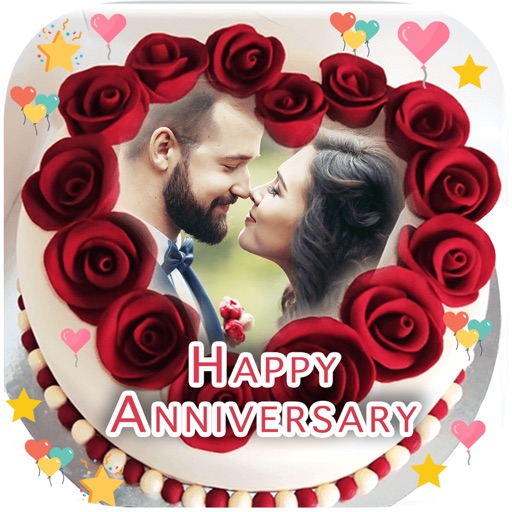
Select a and to create a personalized image. Add names and photos to the design. Share the final image via social media links. Include special greeting cards with customized name and image.
Edit photos by removing unwanted background elements. Add romantic and stickers to images. Create collages for Day. Decorate pictures with customizable art tools. Share edited images directly.
Edit photos by applying recommended background colors and color combinations. Adjust color schemes with two fingers. Blur backgrounds and select from multiple color options. Access photos from the album and make edits directly.
Display photos or free images on Samsung TV. Format, , mat, and sign images for display. Add a soft and multiple mats. Automatically adjust image size and layout. Share and manage photos directly from the .
Turn your device into an external display via . Connect gaming consoles, cameras, and other -enabled devices. Stream HD video and audio. Use for gaming, photo and video shooting, and more. Control input sources and adjust display settings.
Edit photos with background erasing and changing tools. Blur backgrounds and apply portrait beauty effects. Add realistic filters and effects with one tap. Share edited photos directly. Join a community for editing tips and feedback.
Research property details by address, owner, PIN, or REID number. Tap the map to view building photos, deed links, real estate data, and civic service info. Access map layers for zoning, soils, greenways, and topography.
Create square frames using images from your photo library. Add multiple images to a frame. Change . Rotate, resize, and reposition images. Preview the final image. Save the completed image to your photo library.