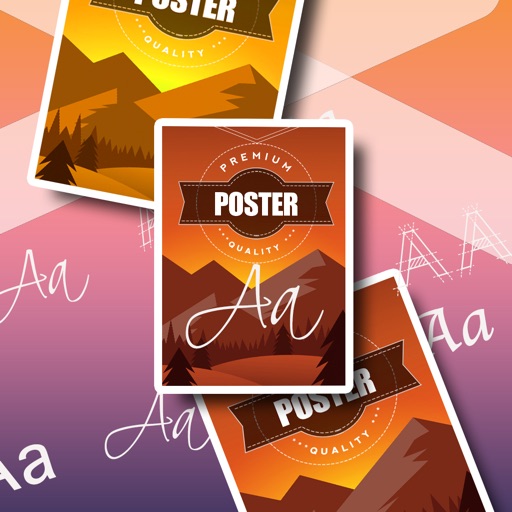
Professional designs for , invitations, presentations, , and event materials. Choose from 500+ templates, icons, and graphics. Upload custom images or use an extensive library. Customize layouts and colors.
Documents, receipts, and images with high accuracy. PDFs, add annotations, and convert files to editable text. Create notes and documents using AI-powered writing tools. Organize and share files directly from the .
Convert images between formats such as PNG, JPG, PDF, SVG, and HEIC. Edit metadata, adjust resolution, and batch process files. Export to multiple formats and share converted images directly.
Create vector illustrations with precise tools for technical and artistic designs. Export to Pages, Keynote, or other formats. Sync work between Mac and iPad. Edit and refine graphics on mobile.
Scan documents into clear images or PDFs. Email, fax, print, or save to cloud. Extract text from single pages. Export PDFs without watermark. Access larger cloud storage. Remove ads. Share scans directly.
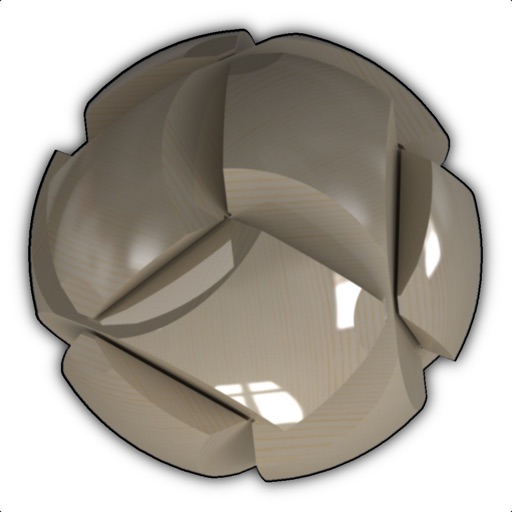
View and manipulate 3D models with rotation, scaling, and sectioning. Support for BIM, Revit, SolidWorks, and over 40 3D file formats. Measure distances and preview assemblies. Export and share 3D designs.
Convert raster images to editable drawings with custom filters for various styles including grayscale, two-tone, Pop-Art, and polygonal shapes. Edit vectors with advanced tools, adjust colors, and save or share the results.
Draw sketches using brushes and tools with support for Apple Pencil. Create layered artwork and zoom for detailed painting. Import and export vector images in PDF, PNG, and JPEG formats. Use color or photo backgrounds. Save artwork for later.
Create and edit 3D models using for iPad and Web. View 3D projects without a subscription. Collaborate on designs, adjust materials, and export models in various formats. Access free 7-day trial for full features.
VectorPaint allows users to create illustrations with paths, compound paths, text, images, groups, masks, and gradient fills. It supports unlimited layers and exports to SVG or PDF via . Users can select, scale, and manipulate objects efficiently.
Convert paper documents to clear, high-quality scans. Save as PDF or image files. Share scans directly via email or messaging. Edit and annotate scanned documents. Organize and search saved files. Print scans from any device.