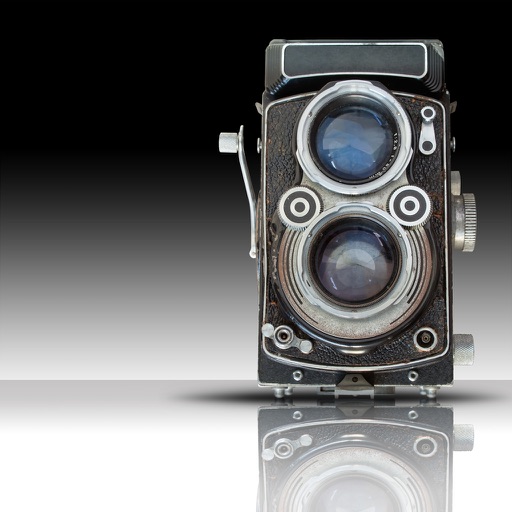
Edit photos with vintage, color, black and white, and sepia filters. Import images from the library or capture new ones. Share edited photos to Instagram, Facebook, Twitter, and other platforms.
by Paolo Bottigliero★ 0.00 ratingsPhoto & VideoFreeData updated 2026-09-17
Capture photos and videos with customizable PIP frames. Apply foreground filters and background effects like blur, zoom, and comics. Add motion effects such as fire and snow. Create PIP videos or GIFs and share directly.
Edit and enhance grayscale photos with 20 predefined presets and custom adjustments. Apply vignette effects and modify color channels. Save personalized presets. View and share monochrome images directly.
Connect motion cameras for real-time preview and parameter control. Download images and videos quickly. Edit photos and videos with filters, cropping, and music addition. Share, like, comment, and collect content within a community.
Create collages by combining photos and videos. Generate AI-powered videos from text or images. Edit clips with trimming, filters, and transitions. Export videos for Instagram, TikTok, YouTube, Facebook, and Pinterest.
Edit photos with presets, watercolor filters, aging effects, and realistic mustaches. Crop, adjust colors, and add text. Share in various aspect ratios. Organize and browse albums and shared streams.
Convert photos into cartoons, anime, or artistic styles using AI technology. Apply filters to alter appearance and style. Upload selfies or images for transformation. Share edited results directly.
The app offers tools to improve and enhance photos with features like brightness, contrast, and saturation. Users can apply various filters and effects, and also create and purchase canvas prints of their images.
Convert videos to Photos with one tap. Trim clips, adjust aspect ratio, and choose custom covers. Save in HEIC format for iOS 17+. Create dynamic wallpapers from travel scenes, pet moments, or daily memories.
Edit photos using a wide range of filters and organized into categories like summer, fall, film, and food. Search filters by tags and save favorites for quick access. Apply to enhance photos and export edited images.
The app allows users to add captions to photos using a selection of 12 distinct fonts. Users can also apply one-tap filters to change the mood of their images.
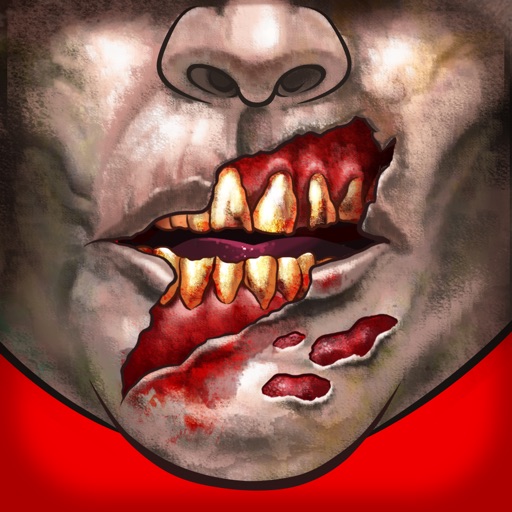
Customize faces with gruesome mouth and eye options. Add weapons like crossbow bolts and crowbars. Include creepy creatures for enhanced effects. Apply animated filters in real-time using augmented reality. Share transformed faces directly.
The app prepares photos for sharing on social media platforms. Users can apply filters and borders to images without cropping, keeping them in a square frame for platforms like Instagram.
Take photos with warp and fish eye effects to create humorous images. Apply to enhance expressions. Share directly to Instagram and other social media platforms. View and edit photos in real-time with preview options.
Edit photos with filters, presets, and effects. Add text and stickers. Explore curated locations and maps for photography. Share edited content directly. Sync with social media platforms.
The app provides 1000 unique color filters and 98 grid filters for photo editing. It allows users to record videos with filters and supports live photos.