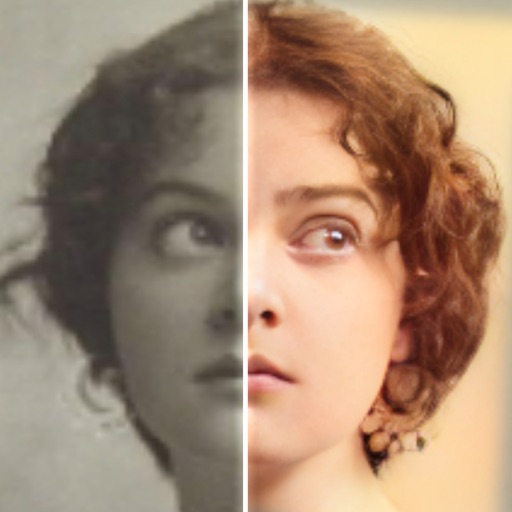
Edit photos with vintage, color, black and white, and sepia filters. Import images from the library or capture new ones. Share edited photos to Instagram, Facebook, Twitter, and other platforms.
by Paolo Bottigliero★ 0.00 ratingsPhoto & VideoFreeData updated 2026-09-17
Create photos with customizable . Select from options. Add photos from gallery or capture new ones. Apply filters for enhanced appearance. Include stickers or emojis. Save and share edited images.
Capture photos with manual exposure and focus controls, RAW and TIFF support, and real-time adjustments. Edit images with advanced tools, apply effects, and export in high-quality formats. Share photos directly from the .
Edit photos with advanced filters, lighting adjustments, and blur. Add text, stickers, and effects. Crop, rotate, and enhance details. Export in various formats and share directly.
Capture photos with built-in live filters in landscape or portrait mode. Adjust saturation, contrast, brightness, exposure, and sharpen. Apply crop, gamma, haze, sepia, or color invert.
Edit photos with skin smoothing, whitening, and acne removal tools. Apply blur and adjust face contours. Access dozens of drip with customizable backgrounds and colors. Share edited images directly.
Capture photos with filters and adjust sensitivity for creative control. Save and share edited images directly to device storage or social media. Use an intuitive interface to edit without technical barriers.
Edit photos and videos to post full size content to Instagram and other platforms without cropping. Add audio, effects, frames, text, stickers, and overlays. Trim, rotate, scale, and flip media.
Retouch portraits by smoothing skin, enhancing smiles, and removing imions. Apply filters for vintage, color toning, and film styles. Adjust color temperature and tone for precise corrections. Export edited photos directly.
Apply glow effects to photos with adjustable filters. Add customizable light trails and neon highlights. Share edited images directly to social media or messaging apps. Adjust brightness and color temperature for enhanced visuals.
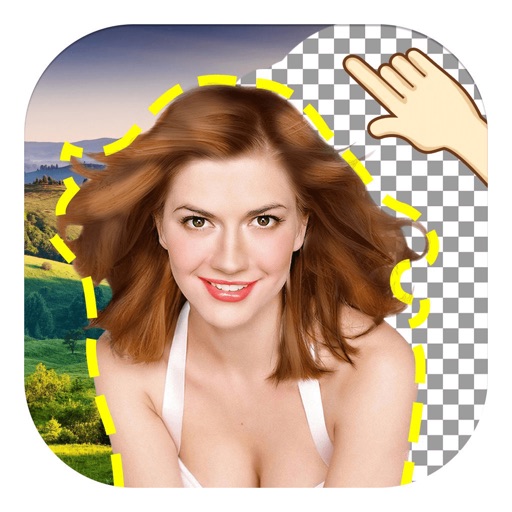
The app allows users to remove and edit backgrounds of pictures. It offers smart and manual cutout tools, with options to move, zoom, rotate, and crop images.
The app provides live photo filtering for high-resolution professional photos. Users can apply dramatic filter effects to create professional-quality images and share them on social media platforms.
Create artistic images with single-tap camera effects and professionally designed filters. Adjust brightness, contrast, and tone curve. Blur and focus images. Rotate, crop, and resize photos. Add text and fun stickers.
Edit photos and videos with trending filters, effects, and styles. Apply Glitch, Blur, Vintage, and other weekly updated effects. Design content optimized for Instagram, TikTok, Facebook, Snapchat, and other platforms.
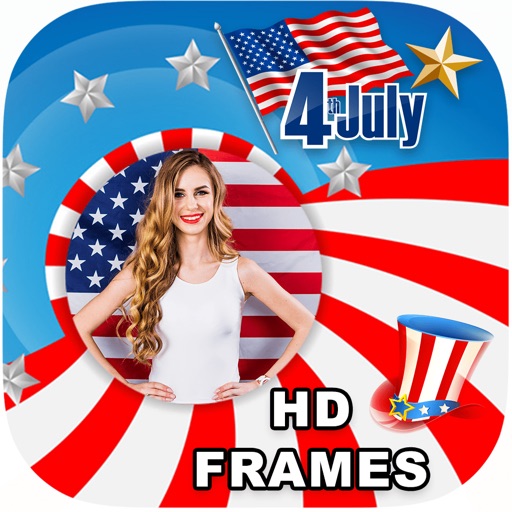
Edit photos with filters, select and apply Independence Day , add text with customizable font style and size. Share edited photos via social links. Set color options and arrange images in sets.
Edit photos with AI colorization, enhancement, and restoration. Remove scratches, tears, and blurs. Convert black and white images to high-definition . Adjust clarity and brightness. Share restored photos directly.
Edit photos by applying filters and adding eye effects. Choose from multiple eye styles and import images from the camera roll. Share edited photos on social media platforms like WhatsApp, Facebook, and Twitter.
Edit photos using masks and blend modes. Combine images with multi-exposure settings. Apply filters from other apps with adjustable intensity. Add or replace objects and textures. Create custom filters with overlays. Add watermarks or logos.
Edit photos with single-tap effects and professional filters. Adjust brightness and contrast. Apply blur and focus tools. Enhance portraits with specialized filters. Export edited images in various formats.