Create dividers and 3x3 squares using images and text labels. Group photos into categories with custom titles. Apply over 100 fonts for text styling. Export and share edited layouts directly.
by Thomas Lojko★ 4.718 ratingsPhoto & VideoFreeData updated 2026-09-17
Apply filters to photos and videos to enhance colors and tones. Edit videos with trimming, cutting, and adding effects. Share edited content directly to social media platforms.
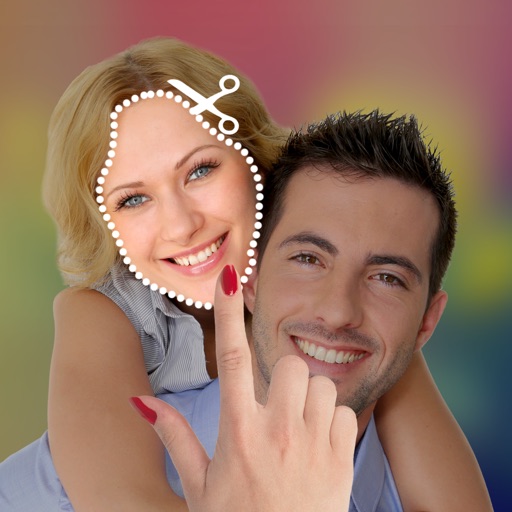
The app allows users to cut and paste parts of photos, including faces, onto different backgrounds. It offers various effects such as lomo, old style, and sketch, enabling the creation of new or humorous images.
Edit photos with 50+ filters and flare effects. Adjust contrast, brightness, saturation, and exposure. Add text with custom fonts and colors. Apply splash effects with multiple shapes and background blur. Save and share edited photos.
Create lighting mock-ups with adjustable bulb colors and greenery backdrops. Add shrub nets, pillar wraps, and lit strand loops. Use overlay mode for Pro wreaths, bows, and teardrop greeneries. Save and share designs for planning installations.
Predict your child's using AI by uploading photos of you and your partner. Adjust facial features to refine the result. View generated images for entertainment purposes only.
Add creative borders to images with adjustable colors and gradients. Choose from multiple border styles and layer saved borders for unique designs. Share edited images directly to social media platforms.
Turn photos into animated videos using AI technology. Add face dances, baby moves, or custom animations. Choose from trending styles or unique scenarios. Export and share the final .
Combine multiple images into one collage with horizontal or vertical scrolling. Crop photos to select specific areas. Apply color effects to enhance visual appearance. Export the merged image for sharing or saving.