Apps Like OCTACHRON MIDI Drum Sequencer for iPhone and iPad
Sequence beats and melodies
Create and edit sequences with up to 16 tracks. Add modulation and control parameters. Use as standalone or AUv3 plugin in DAWs like AUM, Logic Pro, and Cubasis. Record and playback patterns. Adjust tempo and timing. Export files.
by Markus Teufel★ 4.6105 ratingsMusic$9.99Data updated 2026-09-17
Create and customize music with 300+ layered synth sounds and FM presets inspired by 80s synthesizers. Access exclusive DX7 and SY77 samples. Export audio files and share directly. No ads or subscriptions.
The app is a polyphonic sampled AUv3 instrument and standalone application. It offers a configurable keyboard, reverb, and delay effects, with selectable keyboard or breath mode for performance.
Plugin for AUM. Supports 16 tracks with unlimited length and 16 output ports. Import and manage clips via Media Bay. Drag and drop clips to build songs. Direct output to multiple channels.
Create with virtual instruments, effects, and AUv3 plugin support. Arrange beats, adjust tempo, and export tracks. Share projects directly or sync with DAWs for further editing.
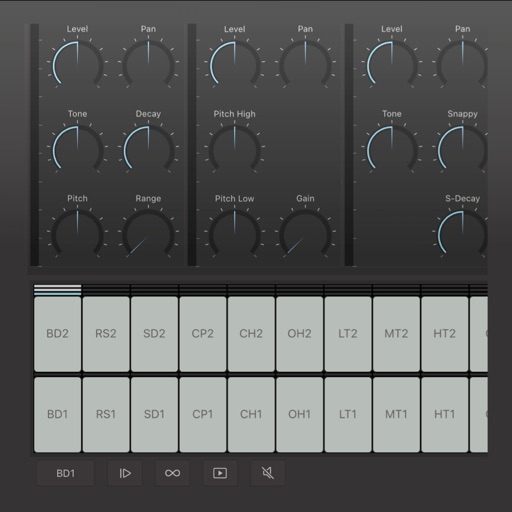
Create and edit drum patterns using 27 drum voices. Apply effects like delay, chorus, and reverb. Automate parameters and sequence 16-bar patterns. Save and load project files for later editing.
Record and playback audio with -like saturation and noise characteristics. Adjust noise hiss, speed, and echo effects in real time. Apply filters and modulation effects to incoming audio signals.
MIDI step sequencer with 8 outputs. Send MIDI signals to multiple destinations. Configure step patterns, velocities, and note lengths. Sync with host tempo. Control via touch or MIDI input.
Create and manage drum kits by importing professionally recorded samples. Trigger samples via MIDI or built-in pattern editor. Sync tempo with DAW. Edit and sequence drum patterns. Build and organize custom drum kits.
Catalog and organize chord charts and lyrics. Import from online sources or create new charts. Sync across devices via iCloud. Build and share setlists. Transpose, capo, or rewrite chords. Use with metronome, autoscroll, and chord buttons.
Create musical sketches and chiptunes using a pattern-based sequencer and high-quality sampler. Record sounds from microphone or line-in. Export in WAV or XM formats. Import and export audio files. Support MIDI keyboard input.
The app is a powerful step sequencer for creating melodies, chord progressions, arpeggios, drum grooves, and basslines. It offers features like chord programming, sequencer ratcheting, shuffle, drag'n'drop, and MIDI learn for unique sound creation.
Play and convert notes into in real-time with high accuracy and low latency. Record performances, edit data, and sync with DAWs. Supports polyphonic pitch detection and articulation recognition. Export files and share recordings.
Create drum sounds and synthesize vocals using a 24-part sound engine. Use a pattern sequencer to arrange beats. Apply effects including a Phrase Vocoder that converts text to vocal-like sounds. Adjust vocal characteristics such as gender.