
Apps Like PreviewKit for iPhone and iPad
PreviewKit screenshots
Ranked alternatives
Showing 261–280 of 1,000 ranked alternatives.


No Crop Photo Editor
晶 王
Post photos and videos in square format
Post photos and videos without cropping for Instagram. Add blur backgrounds automatically. Resize, rotate, and zoom content within the square. Apply effects, filters, stickers, and text. Select no layouts. Support 1080P video. Save in high quality.

Ai Video Editor & Generator
颖 周
Edit videos and remove unwanted elements
Remove unwanted objects, people, or background elements from videos using AI. Select and track moving targets with dynamic tracking. Highlight areas with brush and outline tools. Clean fixed areas like logos or timestamps. Trim and merge segments.
Square it! - Videos & Photos
Rohit Gaur
Convert and to size
Convert and to format without cropping. Select a background color and apply blur for background effects. Save the edited content to your camera roll for social media sharing.

GifJung
Krittikan Reunkaew
View GIF files in photos library.
The app detects GIF image files within the user's photos library. It organizes detected GIFs into albums matching their original locations and offers features like live view, slideshow, and swipe navigation.

Screenshot Studio - App Mockup
Sarun Wongpatcharapakorn
Create screenshots with custom styles and text
Create store screenshots with customizable styles and templates. Adjust fonts, colors, and device positioning. Translate text using AI or manually. Export in required formats for submission.

Image to pdf: easy converter
Mahesh Bansode
Convert images to PDF and share
Convert images to PDFs by selecting and arranging photos. Adjust layout, add text, and save as PDF. Share documents directly or export to email. Edit and organize pages without internet connection.


Plastic Surgery Simulator AI
Pilot Ventures
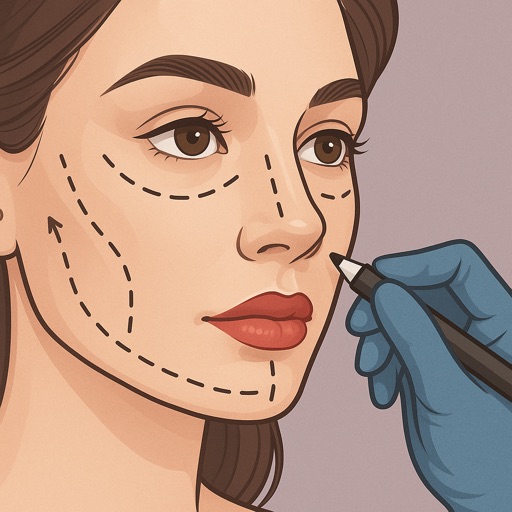
Preview beauty changes instantly
Preview fillers, Botox, rhinoplasty, facelifts, and jawline contouring using AI-generated images. Adjust details like shape and volume. Save and share results. Compare before-and-after views.


How we rank alternatives
Apps are ranked by functional similarity, category fit, rating confidence, and popularity.