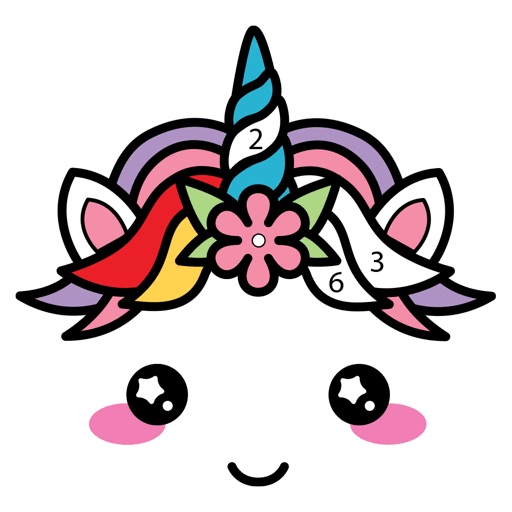
Create 3D artwork by coloring voxel-based characters using numbered guides. Select from various 3D coloring pages. Customize colors and save completed designs. Share creations with others.
Color Planet offers immersive coloring experiences
Color Planet allows users to color intricate images with a variety of tools. Select from thousands of coloring pages. Adjust brush size and color options. Save and share completed artwork. Sync progress across devices.
Create and customize digital coloring pages with numbered guides. Select from floral, mandala, and animal designs. Paint using touch or stylus input. Generate time-lapse videos of completed artwork. Save and share finished projects.
"Create art by selecting colors and filling in picture sections. Complete pre-designed images or customize drawings. Save and share creations. Access a library of themed illustrations for endless sessions."
Coloring pages can be tapped to fill with colors. New artwork is added regularly. Categories are available for different interests. Artwork can be shared with others. The interface allows simple coloring without complex steps.
Create art by following numbered grids. Choose from pre-designed images or generate custom designs using AI. Adjust colors and save projects. Share artwork directly or export in various formats.
Color : Painting Book lets users select and color pre-designed characters. Features include drawing tools, color palettes, and saving artwork. Users can share completed drawings and access challenges to improve artistic skills.
Coloring by numbers lets users select images and fill in colors to create artwork. Features include choosing from themed pictures like travel, animals, and mandalas. Users can paint directly on the canvas and save their work.
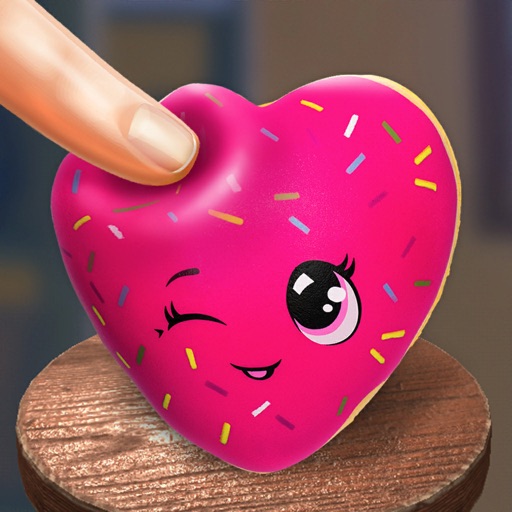
Play a realistic squish simulation by sliding and squeezing on the screen. Create custom squishies with a 3D editor. Choose from hundreds of pre-made 3D squishies. Customize with over 100 colors, stickers, shapes, and prints.
Create custom art by taking a selfie or photo. Select and pixels based on numbers. Share finished artwork on social media. Use magic wand tool for quick coloring. offline without internet connection.
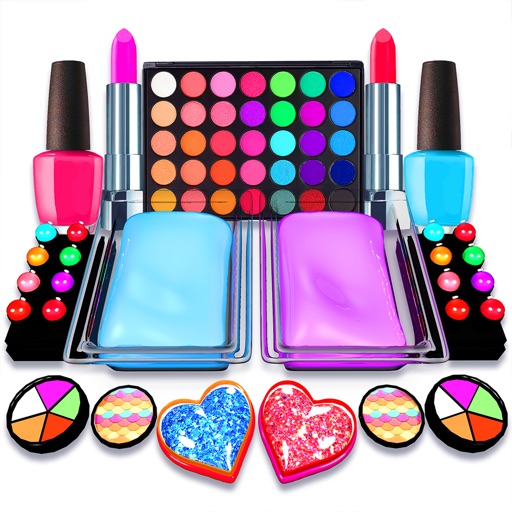
Create slime by mixing and materials like clay, brush, mascara, and nail polish. Customize with decorations, scrape, twist, and slice slime. Includes ASMR sounds for a relaxing experience.
Coloring allows users to select and customize colors, fill in detailed illustrations, and save progress. Features include zooming, erasing, and accessing a library of artwork.
Allows users to based on numbers to create artwork. Select colors and apply them to numbered sections. Save and share completed drawings. Track progress and revisit previous creations.
Create and digital art with customizable brushes and palettes. Choose from themed pages and paint by number puzzles. Save and share finished artwork. Adjust settings for accessibility and ease of use.
Scenes using numbered sections. Tap to fill in colors and complete images. Choose from various calming scenes. Save progress and revisit later. Adjust palettes and undo changes. Share completed artwork.