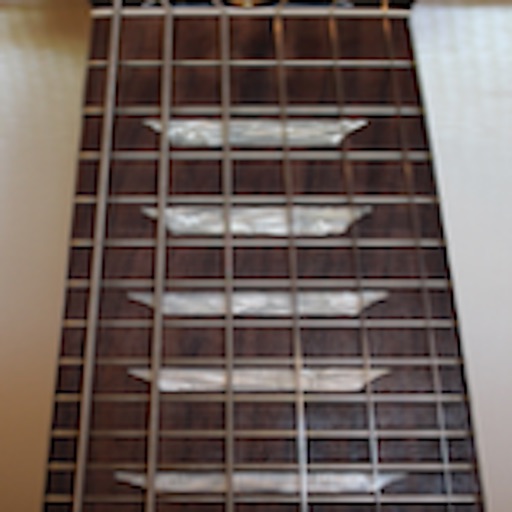
Learn and practice fretboard notes, chords, and soloing. Train ear recognition and sight reading. Set daily practice goals. Track progress over time. Sync lessons with real instrument usage.
Create and edit sheet with customizable notation tools. Adjust dynamics, clef, key signature, and time signature. Add and transpose notes easily. Export scores as MIDI, PDF, or print directly.
Play melodies by plucking individual strings. Adjust tuning and volume. Save and share performances. Access historical information about the origins and evolution.
The app provides a tool for learning and practicing fretboard notes, chords, and soloing. Users can improve skills by using the app and applying knowledge to their instrument.
Learn and practice notes, chords, and soloing. Access ear training exercises and sight reading drills. Track progress and set daily practice goals. Sync with real instrument for applied learning.
Tune instruments using a microphone. Detect pitch and display visual feedback. Adjust for different instruments including ukulele, guitar, violin, and flute. Set reference tones and track accuracy. Save and recall custom settings.
Create and edit sheet and guitar tabs using touch piano, guitar fretboard, or drum pads. Play back compositions with over 90 instruments. Share directly or export as PDF. Sync with web version for editing on multiple devices.
Search and download music scores for piano, guitar, ukulele, violin, drum set, guzheng, pipa, and erhu. Practice with community-shared scores. Exchange learning resources and interact with other music enthusiasts.
Tune instruments with a chromatic scale and visual feedback. Adjust pitch with fine and coarse tuning controls. Practice intonation with a consistent display. Generate tones for droning. Quick mode for fast tuning confirmation.
Train musical ear by identifying scale degrees through sustained drones. Practice melodies by playing them on your device. Receive instant feedback on accuracy. Customize training sessions with different keys and difficulty levels.
The app allows musicians to write music by placing notes on a staff using a finger. Users can create melodies, modify pitches and durations, add rests, sharps, flats, and chords.
Access and download and guitar tabs from multiple publishers. View interactive scores with transposition, playback, and set list features. Use offline mode and save favorite pieces for later. Share scores and manage a library of arrangements.
And find chords based on the circle of fifths. Learn scales and chord progressions. Identify compatible chords within a key. Set and track musical goals. Sync with instruments and export progressions.
Learn to play with real-time feedback and a visual interface. Access a large library of songs for piano, keyboard, guitar, and bass. Use MIDI controllers or instruments to play along. Track progress and set practice goals.
Helps users improve listening skills through music theory exercises. It includes pitch dictation with solfege or pitch naming, chord identification, and interval recognition.
The app provides fingerings for woodwind instruments, including alternates and trills across their playable ranges. It supports key signatures and offers visual guides for understanding fingering charts.
Real-time with customizable effects and export options. Users can import from playlists or files, select from four visual packages with eight visuals each, and adjust settings for each visual. Export visuals and share on social media.