

Apps Like Picstructions for iPhone and iPad
Capture and annotate images to create PDFs
Create instructional guides by capturing or importing photos and adding annotations like doodles, highlights, arrows, and text. Organize images into sequences, generate PDFs or webpages, and share via QR codes for easy access.
Picstructions screenshots
Ranked alternatives
Showing 341–360 of 1,000 ranked alternatives.

StitchMark - Crochet Tracker
Matthew Graves
Scan, extract, and track patterns
Track projects with step-by-step progress updates. Extract text from camera scans, PDFs, or photos. Manually enter patterns if needed. Save and organize patterns for easy reference.



GRE® Test Pro
Hung Nguyen
Practice tests, study modes, learn anywhere
Study using flashcards, practice questions, and interactive modes like quiz and matching. Review topics with slide shows and memorize features. Track progress and access comprehensive content covering all GRE exam areas.




SnagR
SnagR Software Ltd
Monitor project progress capture field data
The app monitors complex project progress by capturing field data and automating reports. It provides real-time progress information and visualizes analytics, integrating project schedules and plotting issues on plans.



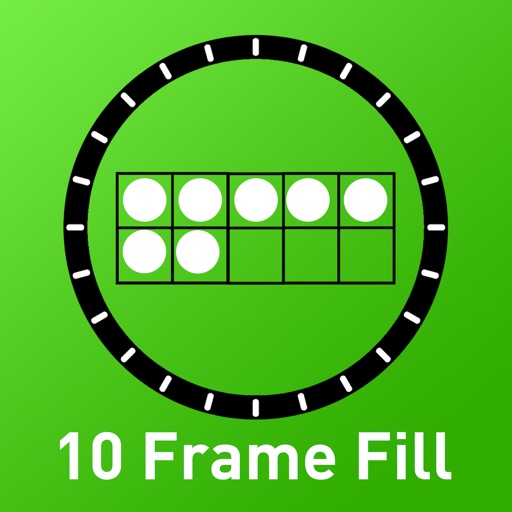
10 Frame Fill
Randy Hengst
Practice additive 10 Families skills.
The app offers practice recognizing additive "10 Families" by filling a 10 Frame. Users can select sequential or random filling and use contrasting color chips to determine answers.

Snag-App
eqf tenant coordinators (pty) ltd
Mark locations and create lists
Create punch or lists by marking locations on plans, aerial photos, or images. Annotate photos with arrows, clouds, boxes, or text. Assign responsibilities to individuals or parties for item resolution.
PDFMaker Lite
Seisei Ten
Convert webpages to PDF files easily.
The app converts webpages into PDF files. It allows users to browse, delete, and print PDF files, and share them with other applications.

How we rank alternatives
Apps are ranked by functional similarity, category fit, rating confidence, and popularity.