Follow live scores and receive push notifications for updates. View next game countdowns and current standings. Check results, fixtures, and latest news. Get kickoff alerts and find where to watch games on TV. Sync with Apple Health.
The app offers customization options for device wallpapers, allowing users to preview designs before applying them. It includes features like a community for sharing creations, a home and lock screen maker, and various editing tools.
View stories and posts anonymously without signing in. Search for usernames to access content. Receive notifications for new stories from followed accounts. Automatically subscribe to new stories for real-time updates.
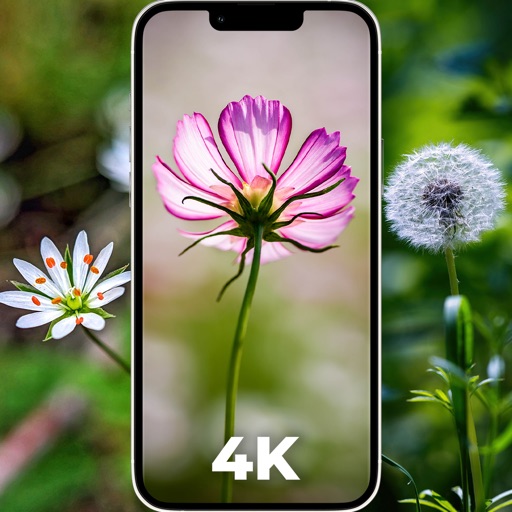
Offers high-quality 4K and HD for iPhone. Users can browse curated anime, kawaii, nature, and AMOLED-style designs. include depth effects and lock screen options. Daily updates ensure fresh content. Users can download and set directly.
Download and set high-quality for home screen and lock screen. Choose from sunflower, rose, and other themes. Adjust wallpaper size and position. Share via social media or messaging.
Set home and lock screen backgrounds with car and static 4K images. Choose from a variety of high-definition options. Apply to both home and lock screens. Save and manage selected .
Wallpaper "Download high-resolution wallpapers for iPhone 12, 13, 14, and Pro models. Choose from various categories. Receive notifications for new wallpapers. Access a redesigned interface in version 2.0."
Set live from 500+ options across 12 categories including animals, landscapes, and influencers. Choose from verified artists and high-quality 4K . Organize and set by category.
Download and customize high-resolution . Select from a growing library of and skins. Apply chosen designs to your device's home screen. Share customized with others.
Use animated stickers to enhance messages. Add custom text to stickers. Access 80 free stickers and purchase 240 additional animated stickers. Share stickers across platforms. Customize sticker appearance with text overlay.
View a 3D koi with realistic water effects and refraction. Adjust display settings for Retina 5K and multi-monitor setups. Enable screen saver mode with password protection. Hide the dock icon to minimize distractions.
Customize device background or lock screen with user-uploaded photos or selected . Choose from solid colors, patterns, and categorized images. Crop and resize to fit screen dimensions. Set as default or save for later use.