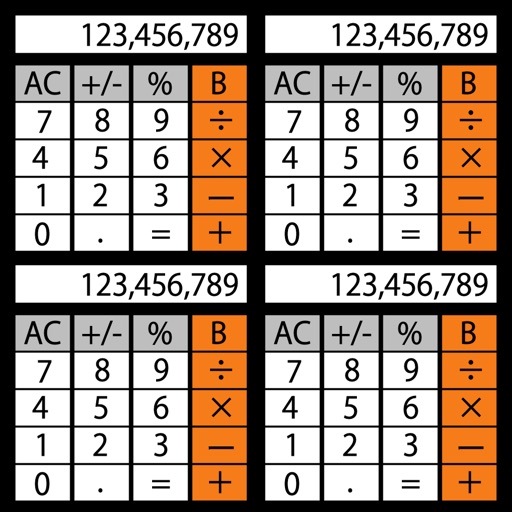
Perform calculations by swiping to switch between operands. Tap operators to initiate operations. calculation steps with a back button. Input values above operators for clarity. Track previous steps for review.
Track sessions with date-time, event name, location, notes, handicap, and tags. Log scores, pin states, and ball details for each frame. Analyze performance with trend and distribution graphs. Export data and compare results across sessions.
Calculate taxes including GST, VAT, and discounts. Input values to compute totals, markups, and percentages. Switch between light and dark themes. Export results and perform basic arithmetic operations.
This app evaluates user input as it is typed, eliminating the need for an equals key. It allows users to enter formulas and multi-step expressions with intermediate variables, and stores all entered formulas for later reuse.
Perform arithmetic operations, including addition, subtraction, multiplication, and division. View a display log of calculations and results. Use a backspace key to correct entries. Support decimal points or commas for number input.
Solve equations using two points, one point and slope, or coordinate values. Input decimals and fractions. View step-by-step solutions and plot graphs. Store calculation history and share final results.
The app saves user expressions in history for reuse and allows drag and drop functionality. Users can change themes, export calculations, and use a widget for quick access.
The app offers scientific functions accessible by swiping between exponents, logs, and sinus functions. Users can correct entries with a backspace key, copy and paste numbers, and customize backgrounds and digits.
Perform calculations with a dedicated calculator. Save and share calculation history via PDF or email. Use dark mode and access the through Today View. Sync with Apple Watch for on-the-go use.
Customize themes with 65536 color options and adjust history display height. Add notes to history entries and share them via email. Perform basic math operations, use backspace, and view/edit calculation history. Supports Dark Mode.