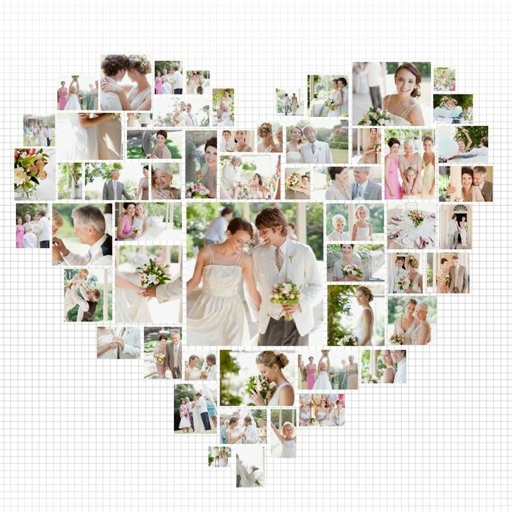
Create collages using free backgrounds, stickers, and fonts. Add text and images. Save collages to device or print. No account or social sharing required. Suitable for classroom and children use.
Create grids using templates like 3x3, 3x4, and 3x5. Edit images with brightness adjustments and add accessories. Share grids directly to Instagram and other social media platforms.
Edit videos by trimming, rotating, scaling, and flipping clips. Select frames and overlays to enhance visuals. Export full-size videos for Instagram and other platforms. Adjust orientation to match social media requirements.
Create collages by combining up to 9 photos. Select from 200+ templates and customize them. Adjust borders and corners. Apply 29 filter effects. Add watermarks to protect photos. Use 3D Touch for enhanced interaction.
Create photo collages by combining 2 to 9 images into one. Adjust size, position, and layout. Choose from various templates and styles. Add stickers, frames, effects, and patterns. Share finished collages directly.
The app transforms photos into halftone and rasterized artwork using dots, lines, and shapes. It offers creative modes like Grid, Interlaced, Radial, and Photo, with options for bicolor, multicolor, or full color.
Edit photos by selecting from Camera Roll or taking new shots. Apply real-time effects to create prism-like glass pieces. Adjust frames, shapes, and patterns. Rotate, resize, and drag elements for custom designs. Export and share edited images.
Create aesthetic Instagram carousels, collages, and Reels covers. Design multi-slide posts with aligned elements and preview swipe effects. Customize layouts from minimal to layered. Add text, stickers, and filters.
Create collages by combining multiple photos from the gallery. Choose from various frames and themes. Apply filters to enhance images. Share collages directly to social media platforms. Edit individual photos with cropping and adjustment tools.