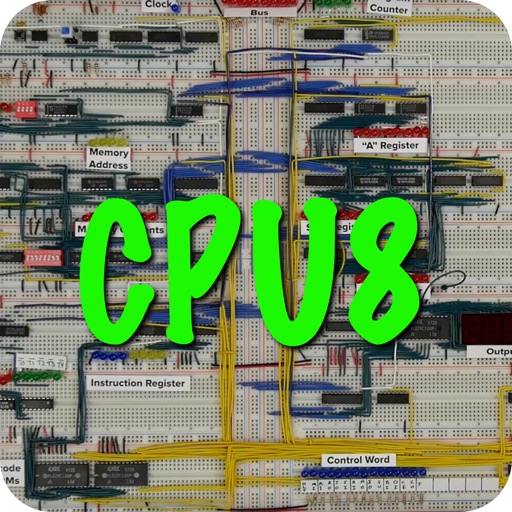
Learn computer architecture by simulating the SAP-1 8-bit computer. Execute microcode instructions, manage registers, and track memory and program counters. View bus activity and control individual computer operations.
by Cordova Bay Entertainment Group, inc★ 4.715 ratingsEducationFreeData updated 2026-09-16
Watch instructional videos and follow structured workout routines. Access content anytime from any device. Track progress with built-in exercises and video tutorials. Sync workouts with fitness apps for detailed performance analysis.
The app provides access to websites and applications like YouTube, Facebook, and Twitter. It offers a secure, encrypted connection for all internet usage, protecting wireless connections at home or public hotspots.
Simulate the Apollo Guidance Computer interface with a realistic keyboard layout. Tap the 'i' icon for help. Navigate through mission scenarios, input commands, and view system status displays as used during Apollo missions.
Teachers and administrators can upload and share photos, messages, videos, and newsletters. Track events, developmental observations, and attendance. Send emergency SMS and manage daily reports and sign-up sheets.
Play chess against another player or the computer with adjustable ELO ratings. Save, share, delete, and rename games in the Chess Gallery. Import and export PGN files. Analyze game statistics. Access interactive chess openings and skill guides.
Learn to use diving computers with step-by-step guides for air, nitrox, and freediving setups. Access logs and view detailed operation during virtual dives. Perform simulated dives to understand computer functions and settings.
Learn through audio-based courses in subjects like statistics, probability, and computer science. Practice with flashcards and quizzes. Use spaced repetition and interleaving to improve retention. Track progress and review material for better recall.
Access and computer projects with detailed circuit diagrams and PCB layouts. Learn through theory and step-by-step instructions. Find reviews, tutorials, and articles on and computing. Build circuits with provided artwork and photos.
Access learning materials including videos and PDFs designed for CSEC IT, CAPE IT, or CAPE Computer Science students. Includes exclusive videos not found on the YouTube channel and complementary PDFs for additional support.
Simulate the HP-25C calculator with input method. Perform complex calculations, store and recall values, and use programmable functions. Access continuous memory for data retention. View and edit programs directly on the interface.
Students can submit suggestions and receive event notifications. View upcoming events, contact admissions, and learn about programs. All users can access event details and program information.