Explore interactive guides to museums, galleries, gardens, and cultural spaces. Access behind-the-scenes content, artist-curated videos, and audio materials. Plan visits with planning tools and look up information onsite using lookup numbers.
Teachers can upload and manage student artwork projects, view school art galleries, and organize student rosters. Students can submit photos of their artwork to an online gallery.
Validate art by entering artist name, artwork size, and quoted price. Check historical data and career insights for nearly 800,000 artists. Compare and assess value with AI-powered analysis. Share results and track artist performance over time.
Customize Apple with complication-based designs and wallpaper-style options. Install designs with few taps. Add activity, battery, weather, and date complications. Choose live-style for dynamic displays.
View and customize high-quality with daily updates. Browse curated collections and save favorites. Share with friends via social media. Apply to lock and home screens.
Browse and preview and wallpapers on iPhone. Sync designs to Apple instantly. Customize live-style and themed wallpaper albums. Add DIY photo and smart widgets for personalized Apple experience.
Access artworks through exploration pages grouped by location or artist. Listen to audio descriptions of 40 key pieces. View textual information and locate artworks within the .
Explore galleries, view artist biographies, and learn about historical context and artwork insights. Find and schedule events, discover local dining options, and access curated recommendations. Sync with personal preferences for tailored experiences.
Edit photos with ninja eyes, glowing effects, and stickers. Access anime-inspired wallpapers and live wallpapers. Share edited photos easily. Ideal for Naruto and Boruto fans.
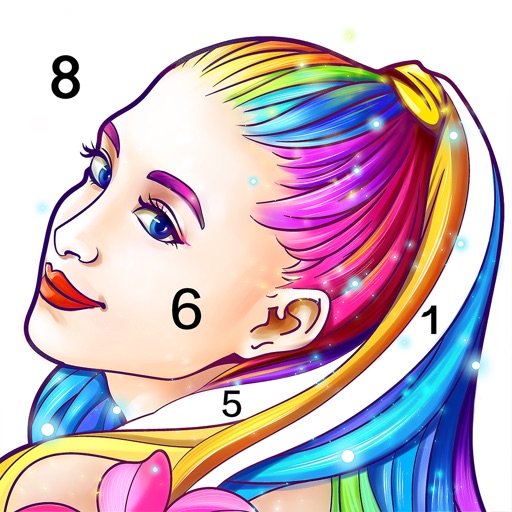
Allows users to pre-drawn images using numbered guides. Choose from themes like people, florals, animals, and mandalas. Create artwork by following -based instructions. Save and share completed designs.