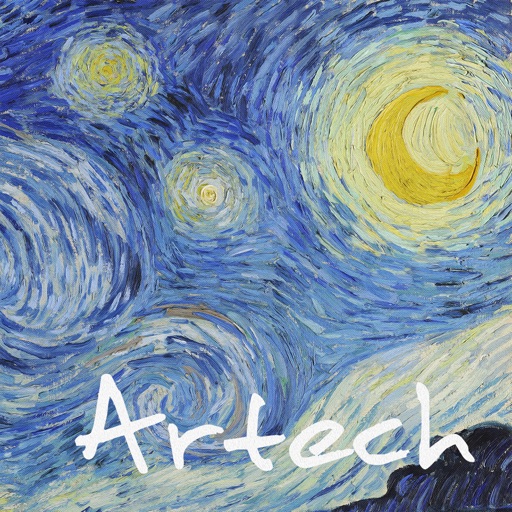
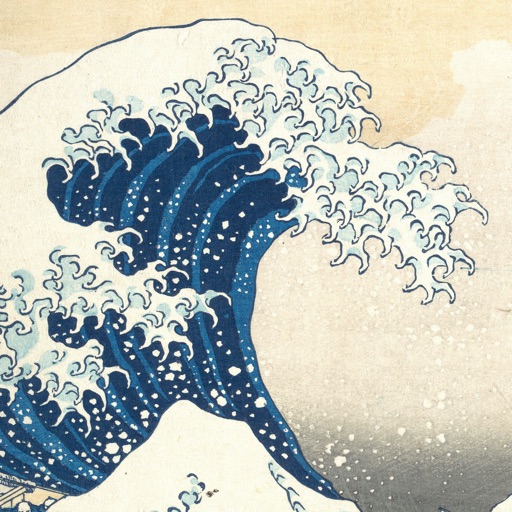
Transform images into artwork using famous art styles like The Starry Night and The Great Wave off Kanagawa. Apply AI-generated patterns with neural networks. Edit and share the resulting artwork directly.
Edit photos and selfies with AI-powered art filters and effects. Choose from over 40 art styles to create fine art paintings. Share edited artworks on social media with the # hashtag.
Create collages with 20000+ layouts and effects. Add stickers and text to photos. Edit images with cropping and filters. Make videos with carousel and slideshow options. Share directly to Instagram.
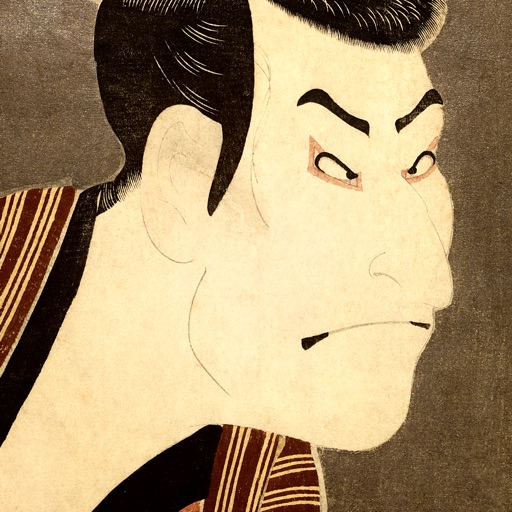
Save and organize featuring works by Hokusai, Hiroshige, and Sharaku. Set as home or lock screen. Create favorites folders and browse through curated collections. Support iOS parallax effect.
Edit photos with 60+ presets and filters including film-inspired tones, vintage looks, moody edits, and retro grain. Apply filters live during photo capture. Export edited images in various formats and share directly.
Remove unwanted people and blemishes from photos or videos by painting and erasing. Edit images with AI tools, add text, filters, and effects. Adjust facial features like face shape, forehead, chin, and cheeks.
Draw and paint images using customizable color pencils, pastels, and brushes. Choose colors freely and adjust settings for precise control. Save artwork to camera roll and share via Facebook or Twitter.
Create animated photos by adding motion to selected elements. Choose animation styles, adjust timing, and export as video or GIF. Share directly to social media or save for later.
The app allows users to remove or alter colors in images. Users can recolor images with chosen colors, change hair color, or alter the sky's appearance.
Stylize photos using over 500 AI art styles from various movements. Edit and retouch images with professional tools. Work offline with on-device AI models. Keep data private with no cloud storage. Export edited images in multiple formats.
FACE & BODY TUNE PHOTO EDITOR, SOCIETATEA CU RASPUNDERE LIMITATA
Recolor in real time
Select and recolor specific sections with a precise brush. Preview different options and adjust intensity. Compare before and after views to choose your desired look.
Create gallery-style portraits from images using automatic painting tools. Add color, light, and texture for realistic effects. Choose between classic-style brushes or modern-colored options. Save and share finished artworks.