Edit photos with filters, light leaks, and templates. Add frames and text. Share directly to social media. Access monthly updated filters. Adjust brightness and contrast. Crop and rotate images. Export in various formats.
by Gianluca Radice★ 4.66,841 ratingsPhoto & VideoFreeData updated 2026-09-16
Edit photos with crop and rotate tools using templates. Apply LUT to change the mood. Adjust colors with color curves. Add blur in various styles. Use basic tools for contrast, brightness, and vignette.
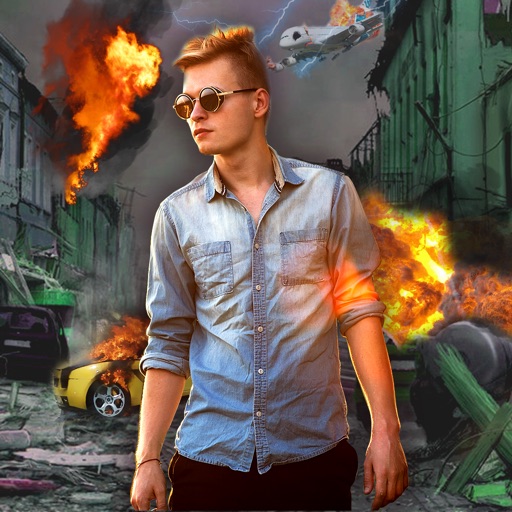
Edit photos with -themed effects like explosions, bomb blasts, and action stickers. Apply customizable FX frames and VFX filters. Decorate images to resemble posters. Share edited photos directly.
Edit photos with 25 tools and effects. Adjust brightness, contrast, and saturation. Save progress and undo changes. Share edited photos to social networks. Preserve EXIF data and edit geo-location. Export high-resolution images up to 3000x3000.
Control on-screen motion by touching and dragging to create fluid movement. Interact with glowing particles and light effects. Play mini-games for a calming experience. Adjust settings for personalized relaxation.
Solve puzzles and find items to escape a classroom setting. Adjust view with on-screen arrows and tap to examine objects. Double-tap to enlarge items and combine them for clues. Access hints via the menu button. No in- purchases or payment required.
Apply infrared-style filters to photos for a surreal, desaturated look. Adjust color balance and contrast to enhance the film-like effect. Share edited images directly or export in various formats.
Edit photos and selfies with AI-powered art filters and effects. Choose from over 40 art styles to create fine art paintings. Share edited artworks on social media with the # hashtag.
Create 30-second videos using photos and videos. Apply animation effects and templates. Select photos to generate lyrical videos. Export and share full-screen video .
Edit photos with advanced tools like layers, masks, and adjustment brushes. Crop, rotate, and resize images. Add text, stickers, and special effects. Export in various formats and share directly.
Create collages by arranging multiple photos into a single square layout. Adjust brightness, contrast, and white balance. Crop, rotate, and apply filters.
The app provides a powerful editor with a simple design for photo enhancement. Users can add custom textures, stickers, and text to their images, with tools for focus, color splash, and adjustments to brightness, contrast, and saturation.
Create social media content with customizable canvas sizes and editing tools. Add text, stickers, and filters to , stories, and posts. Export and share directly to Instagram, TikTok, Snapchat, Facebook, and other platforms.
Edit photos with text addition, drawing tools in multiple colors, and cute icon placement. Crop images using various ratios. Export edited photos in different formats.
Arthur Eduardo Skaetta Alvarez Desenvolvimento de Software LTDA.
Edit photos, remove backgrounds, export PNGs
Edit images by erasing backgrounds with finger dragging or AI-powered auto detection. Maintain transparency or add custom backgrounds. Export high quality PNG files for transparent or composed backgrounds.
Create sketches from photos or camera captures with "," "Doodle," and "Hatch" styles. Adjust colors for black-white or vibrant results. Save images with a single tap. Share generated sketches directly.
Set home screen and lock screen wallpapers with full-screen images. Choose from a collection of high-quality wallpapers. Apply wallpapers quickly with a simple interface.