Edit photos with filters, light leaks, and templates. Add frames and text. Share directly to social media. Access monthly updated filters. Adjust brightness and contrast. Crop and rotate images. Export in various formats.
by Gianluca Radice★ 4.66,841 ratingsPhoto & VideoFreeData updated 2026-09-16
Track news and comments from Official EU/US/RU forums. Access guides, tips, and tricks. View Tankopedia entries. Manage achievements and clans. Compare . Set up Wargaming.net account and opt-in to beta tests.
Access and display high-quality wallpapers from the of game. Choose preferred backgrounds, swipe to navigate, and set as home or lock screen. Share selected wallpapers or save for later use.
Edit photos with filters, cropping, and red-eye correction. Adjust brightness, contrast, and saturation. Add text, stickers, and borders. Export in various formats and share directly.
Edit photos with background erasing and changing tools. Blur backgrounds and apply portrait beauty effects. Add realistic filters and effects with one tap. Share edited photos directly. Join a community for editing tips and feedback.
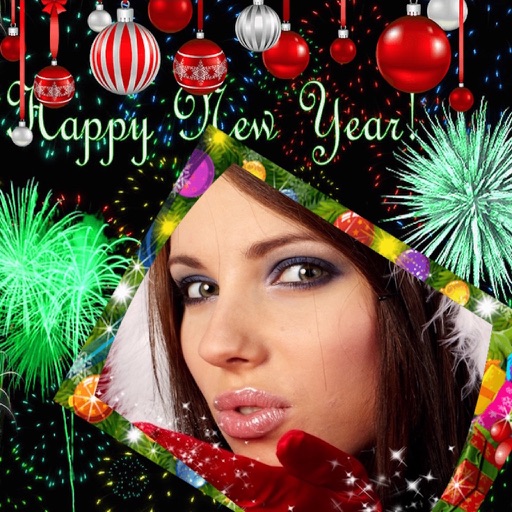
Edit photos with New and collages. Add text and custom greetings. Create cards for wishes. Decorate images with realistic effects. Share edited photos directly.
Create collages with layouts, filters, and stickers
Create collages using 300+ layouts and customize shapes and aspect ratios. Apply 200+ filters, add stickers, HD backgrounds, text with stylish fonts, doodles, and quotes. Share collages directly to Instagram and other social media platforms.
Create videos using photos from the camera roll. Set project titles and import images. Arrange photo order, select templates, add music, apply filters and effects. Choose format and export the final project.
Edit photos with , cropping, and brightness adjustments. Add text, stickers, and borders. Export in various formats and share directly. Apply exclusive and enhance images with advanced tools.
Edit photos to convert them into and with adjustable contrast, brightness, and grain. Apply filters and vintage effects. Crop, rotate, and add text overlays. Save and share edited images in various formats.
Edit photos with blending tools to create double exposure effects. Add frames, quotes, and background elements. Apply single-layer filters. Export edited images without ads. two images with one touch.
Create retro-style art with filters, color overlays, and glitch effects. Adjust brightness, contrast, and saturation. Add text, stickers, and pixelation. Export images in various formats and share directly.
Create flyers, posters, logos, and social media graphics with customizable fonts, filters, shapes, and artwork. Add text, adjust colors, and export designs for print or online use.
Create artistic images with single-tap camera effects and professionally designed filters. Adjust brightness, contrast, and tone curve. Blur and focus images. Rotate, crop, and resize photos. Add text and fun stickers.
Edit photos with filters, frames, and collage templates. Add effects and select from various photo types. Create collages by choosing images and applying pre-designed layouts. Export and share the final edited photo.
Edit photos and videos with 6 custom film camera filters and 14 unique film stock options. Apply 130 professional presets for consistent color grading. Adjust exposure, contrast, and saturation manually.
Edit photos with background erasing and replacement. Remove backgrounds automatically or manually using AI. Replace backgrounds with custom images, colors, gradients, or textures. Adjust and enhance images with precise editing tools.