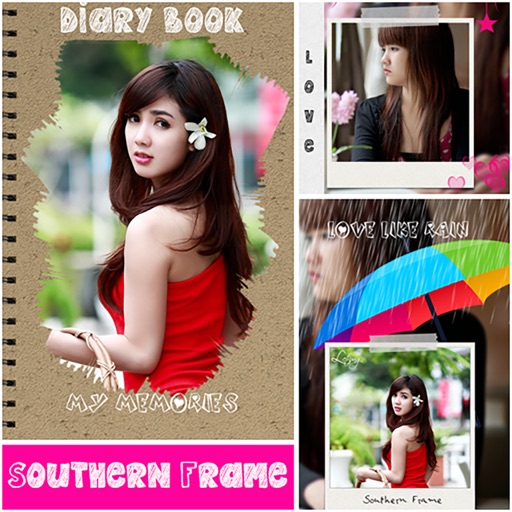
Edit photos with text layers, borders, matting, rounded corners, 3D bevels, and shadows. Adjust cropping ratios and apply internal and external shadows. Share edited photos directly to social media.
Select photos from gallery or photo library. Choose from numerous PIP frames. Use single image for both foreground and background or different images for each. Edit foreground and background separately. Apply photo filters.
Capture photos with a variety of frames including general, antique, fame, fun, heart, flower, kid, Christmas, Halloween, diamond, and gold. Use custom frames with adjustable transparency, hue, saturation, and brightness. Apply filters and effects.
Browse artwork, download images, and display photos
Browse and download artwork, paintings, and photos for Samsung TV or Hisense CanvasTV. Access integrated libraries from Smithsonian, Wikimedia Commons, and Unsplash. and adjust images to fit borderless displays. Share or save edited photos directly.
Anonymize photos and videos by blurring or coloring faces and full bodies. Remove metadata such as time, date, and location. Apply anonymization settings locally without internet connection.
Add text to photos using customizable fonts and captions. Overlay images with artistic artwork or choose from filters and frames. Scale and crop photos for editing. Share edited photos directly to Instagram.