Lets users view reference images in picture-in-picture mode while drawing. Access gallery to select reference images. Place references on screen for easy access. Adjust reference position and size. Share references directly from the .
by Vasilii Sverchkov★ 4.770 ratingsUtilitiesFreeData updated 2026-09-16
Take a photo or upload an image of a , crystal, or mineral. The identifies the item and displays its name, type, and key characteristics. It includes a database of over 6,000 entries for accurate identification.
Create by selecting a photo from the camera or gallery. Choose a frame, adjust its position, rotation, and size. Share the card via social networks or messaging apps.
The app allows users to take passport photos that meet Finnish requirements. Photos can be taken with the phone's camera or selected from an album and cropped to the correct size.
Scan documents using your phone's camera to capture and intelligently scan photos or documents. Automatically detect and adjust text areas for accurate scanning. Organize scanned items into folders or albums for easy access and management.
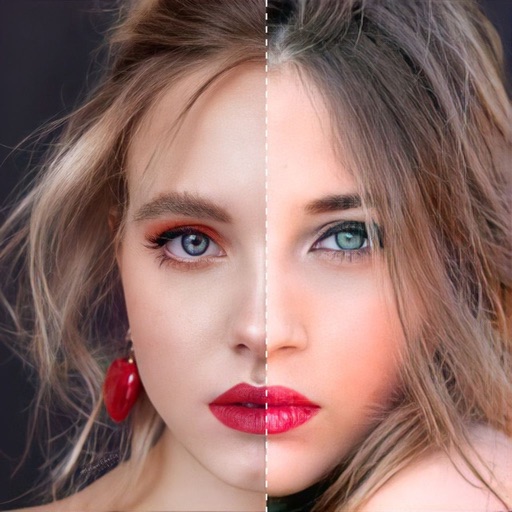
Edit photos by selecting from the gallery or using the camera. Apply multiple and effects. Adjust image position, size, and angle. Save, share, or upload to social media platforms like Facebook, Twitter, and email.
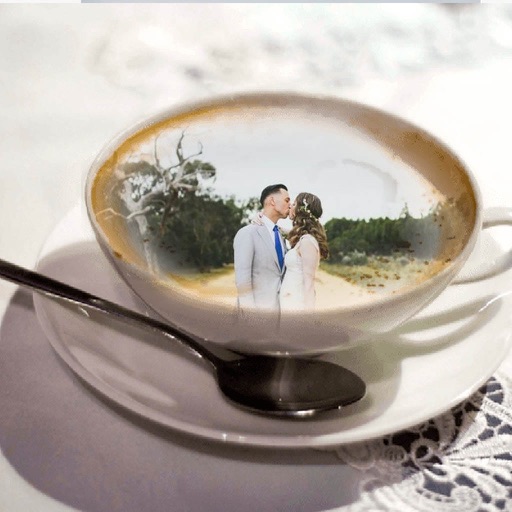
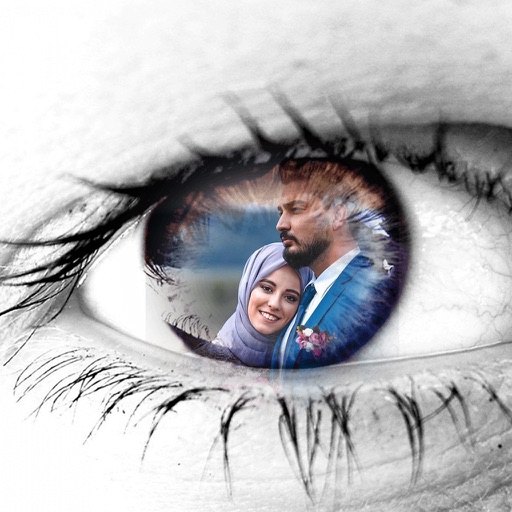
Decorate photos with customizable and effects. Choose images from the gallery or capture new ones. Adjust position, size, and angle. Save, share, or upload photos to social media platforms.
Decorate photos with customizable and effects. Choose images from the gallery or capture new ones. Adjust position, size, and angle. Save, share, or upload photos to social media platforms.
Decorate photos with customizable and effects. Choose images from the gallery or capture new ones. Adjust position, size, and angle. Save, share, or upload photos to social media platforms.
Track days until with a timer. View animated characters that grow in size as approaches. Use custom background images or personal photos. Characters animate off the screen when nears.
Identify fonts from images using AI. Find similar alternatives. Access details and download options. Integrate with design projects for accurate typography solutions.
Select a from the gallery or capture one with the camera. Apply various stylish and effects. Adjust position, size, and angle. Save, share, or upload the edited image to social media platforms.
Decorate photos with customizable and effects. Choose images from the gallery or capture new ones. Adjust position, size, and angle. Save, share, or upload edited photos to social media platforms.