Lets users view reference images in picture-in-picture mode while drawing. Access gallery to select reference images. Place references on screen for easy access. Adjust reference position and size. Share references directly from the .
by Vasilii Sverchkov★ 4.770 ratingsUtilitiesFreeData updated 2026-09-16
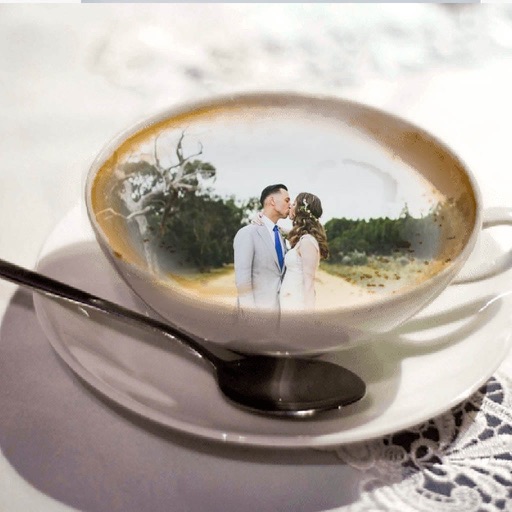
Decorate photos with customizable and effects. Choose images from the gallery or capture new ones. Adjust position, size, and angle. Save, share, or upload photos to social media platforms.
Decorate photos with customizable and effects. Choose images from the gallery or capture new ones. Adjust position, size, and angle. Save, share, or upload photos to social media platforms.
Edit photos by selecting from the gallery or using the camera. Apply multiple and effects. Adjust image position, size, and angle. Save, share, or upload to social media platforms like Facebook, Twitter, and email.
Create 3D poses by rotating, zooming, and cloning an interactive . Use presets to generate poses quickly. Design scenes with multiple characters. Generate images based on custom poses with realistic style options.
Select a from the gallery or capture one with the camera. Apply various stylish and effects. Adjust position, size, and angle. Save, share, or upload the edited image to social media platforms.
Decorate photos with customizable and effects. Choose images from the gallery or capture new ones. Adjust position, size, and angle. Save, share, or upload edited photos to social media platforms.
Perform tasks with - mode for simultaneous usage. Watch videos or join meetings in picture-in-picture mode. Adjust sizes and positions. Enable smooth transitions between apps.
View live camera feeds with 1 or 4 screen divisions. Capture still images from the DVR system. Access recorded footage and control camera settings remotely.
Edit photos by selecting from a gallery or the camera. Apply multiple stylish and effects. Adjust position, size, and angle with finger gestures. Share edited images directly.
Edit photos by selecting from the gallery or capturing new ones. Apply various and effects. Adjust position, size, and angle. Save edited images and share via social media, email, or messaging apps.
Add pic-in-pic effects to photos by selecting from various styles. Edit images options. Share finished photos to social media platforms like Facebook and Twitter. Capture or choose images from the roll.
Create a personalized picture diary with emotional entries. Add custom hashtags using a two-way rule. Draw directly with NOTEGG illustrator and view regularly updated artwork. Share and organize entries freely.