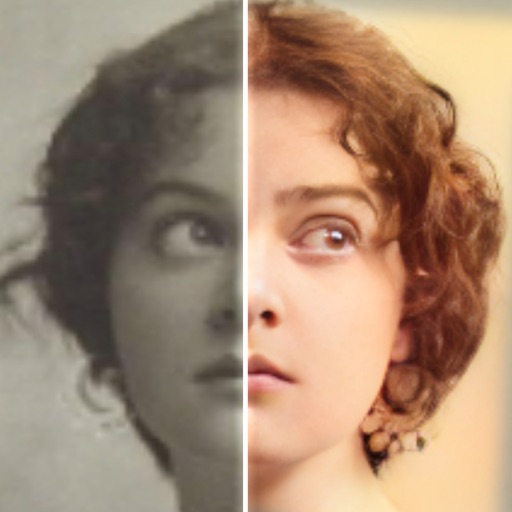
Edit photos with AI colorization, enhancement, and restoration. Remove scratches, tears, and blurs. Convert black and white images to high-definition . Adjust clarity and brightness. Share restored photos directly.
Edit files by reducing noise, cropping sections, and separating vocals from accompaniment. Extract from videos with high precision. Export processed in lossless format.
The app offers professional beauty tools for skin makeovers and selfie filters. It includes various camera lenses, silent mode, and collage features for sharing on social networks.
Create from photos or videos and combine them with existing . Add text, emojis, and drawings before sharing via WhatsApp. Edit videos, rearrange GIF frames, and adjust settings like width, height, frame delay, and loop count.
Post videos, add transitions, share without cropping
Create and edit videos for social media. Add transitions between clips. Set background to blurred video, gradient, solid color, or image. Include photos and music from cloud storage. Post extended videos to Instagram stories without cropping.
Create photo collages and video slideshows with customizable layouts, colors, and patterns. Add text, filters, and music. Edit photos with object removal, skin softening, and blur effects. Include stickers, outlines, and background adjustments.
Upload and edit photos with options to choose format, color, and gradient colors. Add multiple images and post full-size photos to Instagram without cropping. No watermark included.
Convert rectangular videos to square format for Instagram. Post full videos without square cropping. Create custom wallpapers for iPhone lock screen based on device model and clock position.