Allows users to or unblur specific areas of an image. Select photos from the gallery or capture new ones with the camera. Apply effects and save edited images to the gallery. Share blurred photos on social media platforms like Facebook and Instagram.
by Jyoti Virani★ 4.3851 ratingsPhoto & VideoFreeData updated 2026-09-16
The app allows users to apply various effects to pictures using finger-painting techniques. Users can adjust brush properties and image effects, with processing done at original resolution.
Edit photos and videos with 23 base effects, including artistic contours, bloom, and color overlay. Adjust parameters to customize effects. Save custom filters for reuse on other media. Export edited content in various formats.
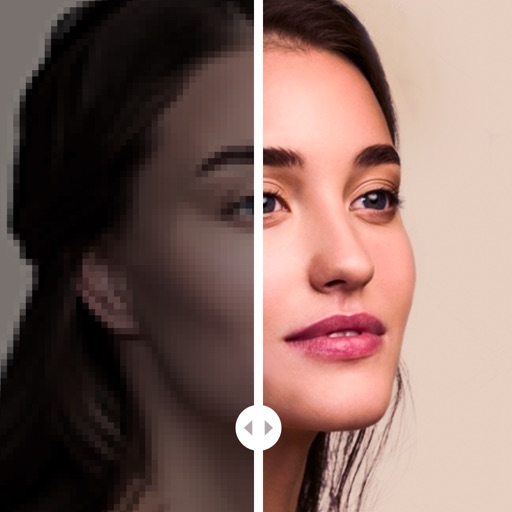
Enhance by removing blurriness and improving clarity. Restore old or faded images to reveal vivid colors and details. Increase resolution for sharper, clearer results. Apply color enhancement and detail sharpening.
Edit photos by adding random sparkling shapes. Choose from seven patterns and adjust size, angle, brightness, and spacing. Apply effects directly to images for a sparkling appearance.
Resize images to fit various formats like Instagram posts, stories, Facebook covers, or custom ratios. Adjust aspect ratios manually or select preset options. Apply Fit or Fill modes to scale images without cropping or stretching.
Edit images with blur, watermarking, and mosaic tools. Apply batch processing and circular brush effects. Adjust videos with blur, watermarking, and mosaic. Add music, stitch videos, and apply covers.
Edit photos and videos with customizable , presets, and effects. Add grain, dust, blur, and dark effects. Adjust colors and create atmospheric effects. Share edited content directly.
Edit photos by removing objects with a magic eraser and auto-cutout tools. Adjust colors, apply filters, and enhance details. Save and share edited images directly.
Arthur Eduardo Skaetta Alvarez Desenvolvimento de Software LTDA.
Blur backgrounds, enhance portraits
Edit photos with blur and AI-powered segmentation to isolate subjects. Apply multiple blur effects and adjust settings for precise results. Export edited images in various formats and share directly.
Edit photos with single-tap filters, brightness, opacity, contrast, blur, and focus adjustments. Rotate, crop, and resize images. Share to Facebook, Twitter, or Instagram. Save to photo library or send directly.