Capture photos of property areas to visualize color changes. Apply and adjust paint colors directly on images. Save and share edited views for decision-making. Offers intuitive color selection and editing tools.
by COMPANIA GLOBAL DE PINTURAS S A★ 4.916 ratingsLifestyleFreeData updated 2026-09-16
Create and manage 10 types of calendars to track habits and visualize progress. Use streak tracking with customizable day types and colors. Log daily activities, separate bad days from regular days, and view detailed statistics.
To make random decisions. Create and customize decision lists. Choose from various themes. unlimited times without ads. Organize and manage multiple lists. Share results directly.
The app offers photo editing modes including face modification, blink effects, dark spot removal, picture frames, and color filters. Users can earn points for editing photos to receive prizes from Rajdhevee Clinic.
Create personalized journals with custom papers tailored to specific needs. Choose from 10 paper styles including monthly and weekly layouts. Decorate pages with borders, colors, and themes. Add notes, reminders, and schedules.
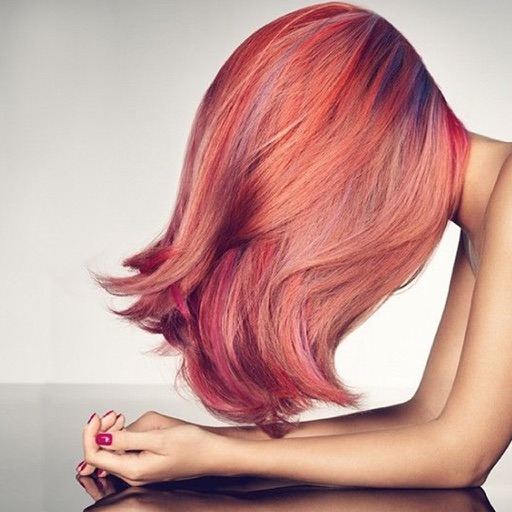
Change in photos by selecting multiple shades and applying them to strands. Brush to highlight sections. Save edited images to gallery or email to friends.
Create 3D room designs using AI. Upload or capture photos to visualize spaces. Choose from various styles and color schemes. Adjust layouts and furniture placements. Generate material and lighting suggestions. Export designs for sharing or printing.
Take selfies with a live beauty and apply custom filters. Create collages in 18 styles with masks and frames. Add spiral or neon effects to photos. Enhance and save library images. Capture selfies with a timer.
The app allows CellGate Access Control and Monitoring Subscribers to control property entry remotely. Users can create access codes, view gate activity history with photos, and receive alerts on their mobile phones.
The app allows users to design and share home decorating ideas. It provides a virtual library of inspiration photos, a paint gallery for color selection, and a guide for finding deals on home goods.
Capture high-quality selfies in low light using a customizable screen light. Adjust color temperature and brightness to suit your mood. Use the glowing light effect to enhance visibility and reduce shadows.
Customize Apple with interchangeable designs, themes, and layouts. Adjust colors, fonts, and complications. Preview in real-time and download directly to the device.
Photos by importing from camera roll. Apply effects and frames. Adjust brightness, saturation, and contrast. Crop, rotate, and straighten images. Add text, stickers, and draw. Sharpen, blur, fix red eye, remove blemishes, and whiten teeth.
The app offers unique dynamic filters for videos and photos. It provides an intuitive interface for mixing colors with 17 available gradients, allowing users to create visual effects for live recordings or existing media.
Users capture and share a photo daily at a scheduled time without filters. Friends receive notifications and view the photo. Subscribers pay $4.99 weekly for additional features. Photos are shared directly with friends.
Combine multiple images into one collage with horizontal or vertical scrolling. Crop photos to select specific areas. Apply color effects to enhance visual appearance. Export the merged image for sharing or saving.
Organize photos into curated albums. Apply filters and frames. Add stickers and backgrounds to create custom designs. Track developmental milestones with timeline features. Access exclusive templates and weekly sticker updates with Pro subscription.
Take photos using the built-in camera. Resize images to specific dimensions. Remove backgrounds with an eraser tool. Choose background colors for ID photos. Export edited images.