Remove vocals from songs and isolate instruments using AI audio separation. Create custom multitrack tracks. Practice singing with isolated vocal stems. Export tracks in multiple formats and share directly.
Access Raga-based Psalm-tunes, Refrains, Canticles, and liturgical songs from St. Benedict Monastery. Listen to selected tracks multiple times. Learn about Raga characteristics in Hindi and Bengali notations.
Play piano-style covers of K-POP songs by tapping . Complete songs to increase speed. Resist longer to earn higher rewards. Use special like long notes and bonus blocks. Track progress through increasing difficulty and rewards.
The app provides a novel arrangement of notes for playing music. Sliding a finger produces chords, with higher importance notes and chords surrounding them.
Visualize pitch and intonation as a trace on the screen. Compare singing or playing instruments to reference tones on a piano keyboard. Track pitch accuracy, slides, and scoops in real time. Used for vocal training and instrument tuning.
Play a piano-style by tapping dark tiles to match rhythm and chords, creating sound patterns. Choose from various songs and albums. Compete in speed challenges and master difficulty levels. Use headphones for enhanced audio experience.
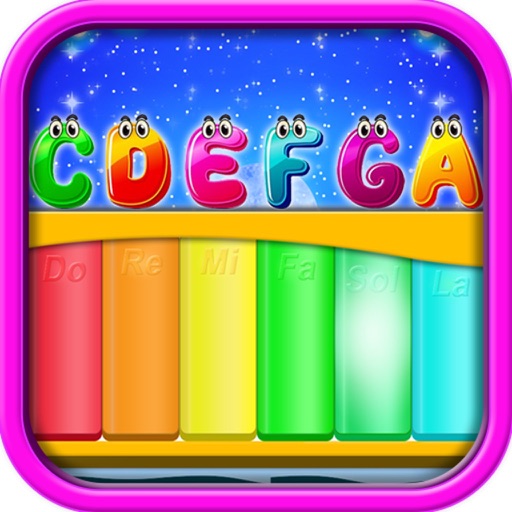
The app provides interactive musical instruments for children, including a piano, guitar, and xylophone. It also features a number option for practicing counting and colorful images to maintain visual engagement.
Create and edit sheet music with tools for note input, staff customization, and score organization. Export as PDF or MIDI. Share scores directly or sync with music notation software.
Play with touch keyboard. Create and save music compositions. Mix tracks and share files via social media or messaging. Export in audio format. Adjust tempo and volume settings.
Learn and relative through interactive exercises. Identify double-stop notes using just intonation. Practice chord recognition and matching. Track progress with in- feedback and repetition. Sync with music libraries for real-time comparison.
Create and edit progressions with inversions, sus2, sus4, 7th, and 9th chords. Play chords as piano or synth or send MIDI to macOS. Use phone as MIDI keyboard for macOS. Practice reading musical notation.
Learn to read sheet with timed and untimed practice in treble, bass, and alto clefs. Identify notes, review mistakes, and track progress. Includes sight-reading exercises and note identification drills.