Install and use additional fonts across compatible apps. Supports .ttf and .otc formats. Preview fonts before installation. Add favorites via email or Dropbox. Works with Word, Excel, PowerPoint, Numbers, Keynote, and Pages.
by Dina ElGarf★ 3.025 ratingsUtilitiesFreeData updated 2026-09-16
The app allows users to create custom NFT designs, flyers, invitations, logos, and more. It offers hundreds of templates, thousands of fonts, and editing tools for graphic creation.
Access fonts via PC and iOS devices. Activate fonts by checking a box to install them. Manage fonts in Settings > General > Fonts. Delete fonts by unchecking the box. Update fonts as new ones are added.
The app identifies font families and weights used on web pages. It provides font information beyond stylesheet values, simplifying inspection into a two-step process.
Organize notes with folders and subfolders. Attach photos, documents, voice recordings, and video links to notes. Convert folders into to-do lists. Set reminders and use passcode lock. Customize themes and highlight folder names.
The app offers cloud storage to prevent content loss and supports various export formats for sharing. It allows users to personalize articles with fonts, colors, and templates, and create eBooks for readers.
Outline creation and management with nested tags and customizable fonts. Import and export OPML and Markdown files. Sync and share via iCloud. Embed images and format text. Support drag and drop, links, notes, and backlinks.
The app allows users to explore Unicode glyphs and their variations across different fonts. Users can search for characters, mark selected, and compose strings using various Unicode characters.
Edit by adding customizable with unique fonts. Adjust photo size and crop images. Modify color, add borders, and adjust brightness. Share edited directly from the .
The app provides an on-screen Sorani alphabet keyboard for typing in Kurdish. It offers faster typing through swiping and includes predictive suggestions, quick copy, and sharing functionalities.
Read and write text with customizable fonts and themes. Scribble and guess to improve memorization. Select categories and personalize the learning environment with in- purchases. Track writing progress and practice counting exercises.
Add and captions to and videos with customizable fonts and styles. Include balloons for dialogue effects and adjust size, color, and alignment. Trim video clips and select areas. Support 9:16 full-screen format.
Convert documents to and from PDF format. Edit text, add comments, and annotate files. Merge multiple pages into one document. Export in various formats and share via email or cloud services.
Create customizable for Pages. Choose from daily, weekly, monthly, and yearly formats. Edit colors, fonts, and images. Includes fitness logs, grocery lists, and goal planners. Available in US Letter and A4 sizes.
Create logos and brand designs by selecting from thousands of templates. Customize text, fonts, colors, and layouts. Export final designs in multiple formats and share directly.
Customize with 15+ options and personal photos. Choose from 100+ fonts and designer styles. Use advanced auto-correct and suggestions. Access emoji, emoji art, and custom layouts. Manage privacy by restricting chat access.
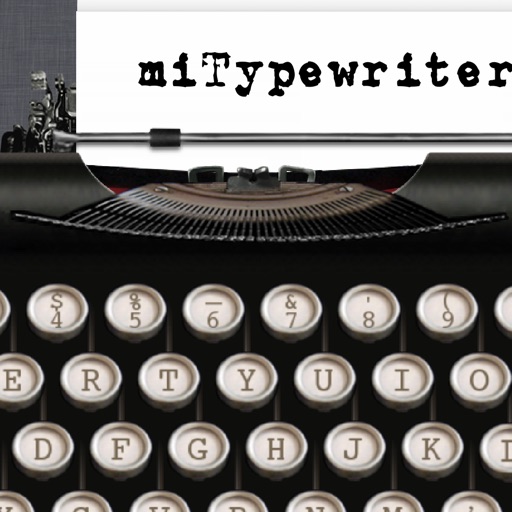
The app provides a realistic typewriter experience on the user's iPad. It offers features such as email by image or text, a backspace key, multiple fonts, keyboard layouts, and ink ribbon colors.