Control camera settings and gimbal movements for stable photo and video recording. Start motion-lapse or track modes for creative shots. Adjust settings and preview footage directly on the mobile device.
Allows users to stream and record video via Wi-Fi connection to PC software. Switch between front and rear cameras easily. Features include tally indication, audio output, auto focus, and auto lighting.
Take high-quality photos with manual controls similar to a DSLR . Use bulb exposure for long exposures and motion blur. Apply neutral density filters to control light intake.
Monitor doorbell activity with real-time notifications and remote video viewing. Check motion-activated footage to assess activity at the door. Communicate with visitors through two-way audio.
Record videos with a script overlay that hides text from the camera view. Adjust script timing and position. Share finished videos directly. Sync with external devices for live recording.
Calculate shutter intervals, recording durations, or target video lengths based on user-defined variables. Input recording and interval to determine clip length. Input interval and clip length to find recording .
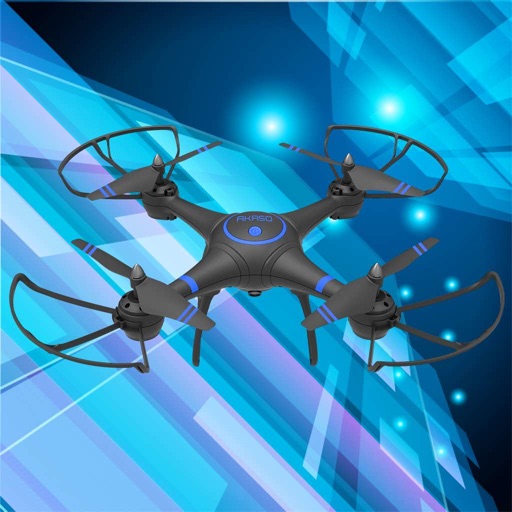
Control a four-axis aircraft using WiFi. View real-time video feed from the aircraft's camera. Capture photos and record videos on the connected device.
Capture with tips from professionals. Adjust exposure settings, focus, and white balance. Learn composition techniques and review photo histograms. Save and share edited images directly.
Use camera to project images onto paper for tracing. Draw directly on projected content. Adjust brightness and contrast for better visibility. Save and share artwork. Access tutorials for tracing techniques. Sync drawings across devices.
Control drones, view real-time video, record photos
Control a four-axis drone via WiFi. View real-time video feed from the drone's camera. Capture photos and videos using the device. Enable VR mode for immersive viewing. Use voice commands for flight control.
Scroll scripts over any with adjustable font size and scrolling speed. Control via Apple Watch, phone, tablet, or Wi-Fi device. Display text on top of camera for video recording.
The app offers a complete time-lapse workflow on the go. It allows users to define capture sessions, record in 4K or HD, and capture RAW or JPEG photos with smart exposure to prevent flicker.
Record videos or take photos using both front and back cameras at the same time. Switch between cameras during recording. Capture balanced - shots with synchronized audio and visuals. Edit and share -view content directly.
Record videos by pressing shoot and record buttons. Display recording time in lower right. Apply real-time color and rotation effects. Create surreal visuals by transforming ordinary scenes into different worlds. Add and other creative effects.
Access advanced settings including saturation, exposure, ISO, and gamma. Capture slow motion, long exposure, and light trails. Browse, download, and edit files on a connected SD card. View tutorials for professional shooting techniques.