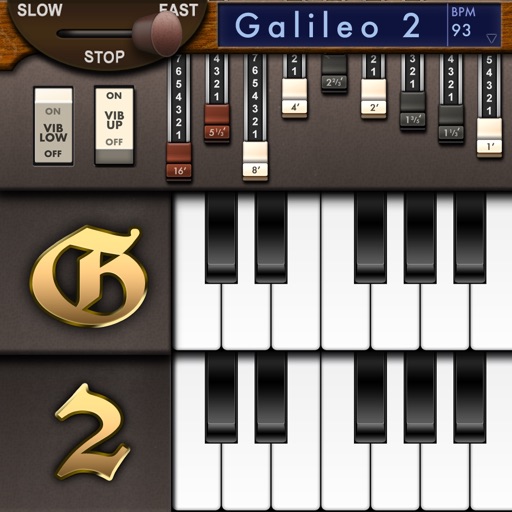
Create and customize sounds with 17 different types. Configure three manuals independently. Use scanner vibrato and chorus effects. Simulate rotary cabinets and tube amplifiers. Access AUv3 plugin for integration.
ToneBoosters processes audio signals in real time using microphone or external input. It corrects headphone coloration and simulates studio reference equalization.
Create and manipulate music using real synthesis and 2,500+ samples from actual video game chips. Adjust waveform parameters, apply filters, and layer sounds. Export tracks and share directly.
Convert text inputs into unique waveshapes for bass sounds. Generate monophonic sub- tones from user-generated phrases. Customize audio output with codes.
Create and manipulate audio using synthesis. Import WAV files, record audio, or live-process sound. Adjust parameters for texture, pitch, and timing. Export and share custom audio creations.
Adjust for 4 adjustable frequency bands. bass focus in the center channel and maintain spacious mid-range imaging. Solo each band for individual auditioning.
Create and sequence music using a step sequencer with generative features. Chain patterns with the Metasequencer. Use Modifier system for dynamic changes. Switch states via MIDI Program Changes. Adjust UI for different window sizes.
Create and manipulate delay effects using a single curve for spectral control. Adjust delay patterns with BPM grids or freeform motion. Modulate and reshape delay shapes in real time for dynamic rhythmic effects.
Create and save unlimited presets with 16 patterns each. Adjust polyphonic and polyrhythmic sequences. Sync presets to iCloud. Use as a standalone or AUv3 MIDI effect. Generate melodic patterns from played notes or chords.
Apply real-time microphone filtering and gating effects. Use five expander/gate algorithms for precise control. Adjust side chain inputs and parameters. Integrate with AUv3-compatible host apps for plugin use.